

Blog
NetSuite for SaaS Companies: Subscription Revenue, Metrics and Compliance
On this page At $1 million ARR, a SaaS company can run its finances on…
14 min read
Read article →
If you’re comparing Zoho Books and QuickBooks for an Indian business, there’s one critical fact to know upfront: Intuit discontinued QuickBooks in India in 2023. If you’re currently using QuickBooks India, you are on software that no longer receives Indian-specific updates, filing GST returns with Zoho Books compliance patches, or local support. This Zoho Books vs FreshBooks covers what Zoho Books accounting features offers and what moving across looks like.
| Feature | Zoho Books | QuickBooks India (discontinued) |
|---|---|---|
| GST filing (filing GSTR with Zoho Books-1, 3B, 9) | Direct filing via GST portal | No longer updated |
| E-invoicing (IRN) | Built-in, auto-generates IRN | Not supported |
| E-way bills | Integrated | Not supported |
| GSTR-2B reconciliation | Built-in tool | Not available |
| Indian payroll | Via Zoho Payroll integration | Not available |
| Local support | India-based, IST hours | Discontinued |
| Active updates | Regular releases | None |

QuickBooks Online (the global product, not the discontinued India version) is still available to Indian businesses via direct subscription. If you’re evaluating QBO as an Zoho Books vs Xero:
For most Indian businesses, Zoho Books is the more practical choice. Our Zoho implementation service includes QuickBooks-to-Zoho Books migration as a standard offering. Talk to us if you want to discuss your specific migration situation.
No. Your historical data stays in QuickBooks (keep a read-only copy). You migrate master data and outstanding transactions to Zoho Books, and use QuickBooks as an archive reference for historical periods.
For a small business with clean data: 1-2 weeks. For businesses with complex data or multiple years of transactions to reconcile: 3-4 weeks.
Yes. Add your CA as an accountant user. They get their own login with read or full access and can work from their office without any software installation.
Yes, natively. Quotes created in Zoho CRM convert to invoices in Zoho Books automatically. Customer payment status shows in CRM. No manual data entry between the two systems.
On this page At $1 million ARR, a SaaS company can run its finances on…
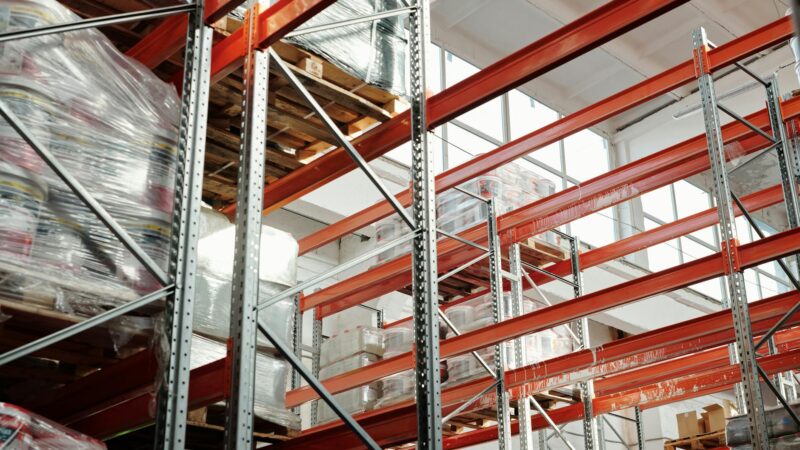
NetSuite ERP helps Indian wholesale distributors manage multi-location inventory, purchase orders, customer pricing, and GST…
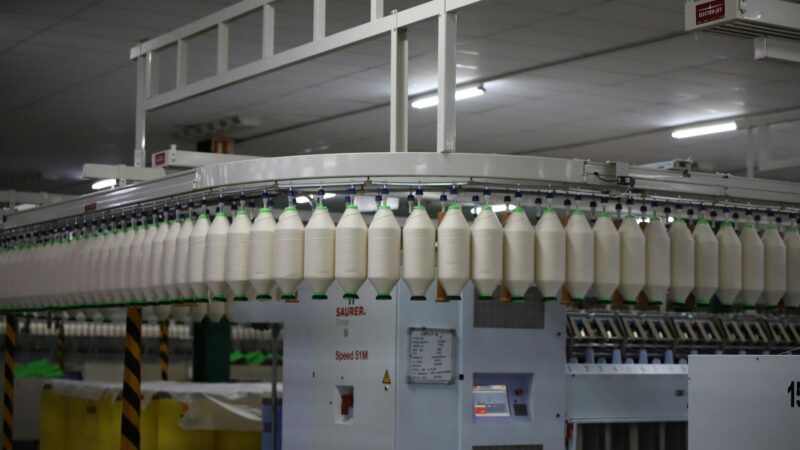
How Indian manufacturing companies use Zoho ERP to manage production, inventory, BOM, quality control, and…
Our team builds systems that actually work. No fluff, just honest architecture and clean implementation.