

Blog
Zoho Books Project Accounting for Service Businesses
Track time, expenses, and profitability per project in Zoho Books. Covers hourly billing, milestones, budgets,…
7 min read
Read article →
GST compliance is one of the most time-consuming parts of running a business in India. Zoho Books handles most of it automatically once it’s set up correctly. This guide walks through everything: GST configuration, GSTR-1 preparation, GSTR-3B filing, and annual return reconciliation.
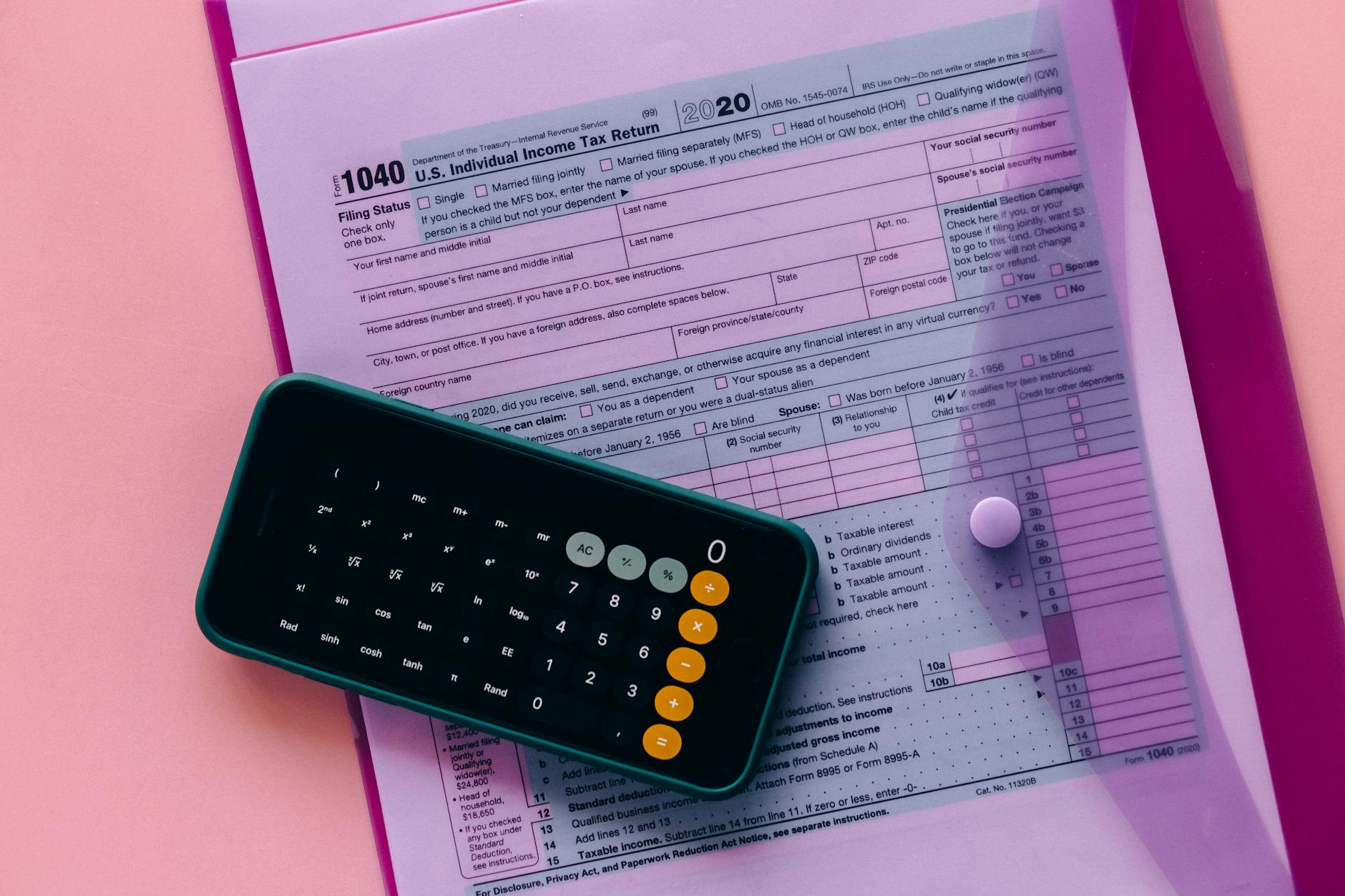
Before you can file anything, the GST configuration in Zoho Books needs to be correct. Here’s what to configure:
Zoho Books comes pre-loaded with standard Indian GST rates: 0%, 5%, 12%, 18%, and 28%. For each product or service you sell, assign the correct GST rate. For goods, use the HSN code. For services, use the SAC code. Zoho Books validates these automatically.
Zoho Books integrates directly with the GSTN portal via API. To connect:
Once connected, you can push returns directly from Zoho Books without logging into the GST portal separately.

GSTR-1 reports all your sales invoices to the GST department. It’s due by the 11th of the following month (monthly filers) or the 13th of the month after each quarter (quarterly filers).
GSTR-3B is the monthly payment return, it summarises your tax liability and input tax credit (ITC). It’s due by the 20th of the following month.
Before filing GSTR-3B, reconcile your ITC claims against GSTR-2B (auto-populated from supplier returns). Zoho Books has a built-in GSTR-2B reconciliation tool under GST Returns → GSTR-2B Reconciliation. Any mismatches need to be resolved before claiming ITC, otherwise you risk notices from the department.
GSTR-9 is the annual GST return, due by 31 December of the following financial year. It consolidates all monthly/quarterly returns. Zoho Books generates the GSTR-9 draft automatically by pulling data from all your filed returns during the year.
To prepare GSTR-9 in Zoho Books:
If your annual turnover exceeds ₹5 crore, GST e-invoicing setup in Zoho Booksing is mandatory. Zoho Books generates IRN (Invoice Reference Number) and QR codes automatically for each invoice. To enable:
Once enabled, every invoice gets an IRN and QR code before it’s sent to the customer. Zoho Books handles the IRP API call in the background.
For goods movements above ₹50,000 in value, an E-Way Bill setup in Zoho Books is required. Zoho Books generates generating e-way bills from Zoho Books directly from delivery challans or invoices. Connect your e-way bill credentials under Settings → E-way Bill.
Beyond returns, Zoho Books provides several GST reports useful for audit and planning:
If your GST situation involves multiple GSTINs, reverse charge transactions, import/export, or e-commerce operations, the configuration gets complex. Our team at Aaxonix sets up Zoho Books GST configurations for businesses across India as part of our Zoho implementation service.
We also offer managed support if you want someone to handle month-end GST reconciliation and filing oversight on an ongoing basis. Talk to us if that’s useful.
Yes. Zoho Books supports multiple branches with different GSTINs under one organisation. Each GSTIN gets its own returns and filing history.
Yes. Set your registration type to “Composition” in organisation settings and Zoho Books adjusts the tax treatment and return types accordingly (CMP-08 instead of GSTR-3B).
Amendments to GSTR-1 can be made in subsequent months using the amendment tables. Zoho Books supports this through the Amendments section in the GSTR-1 preparation screen.
Zoho is a registered GSP (GST Suvidha Provider) approved by GSTN. Zoho Books is fully compliant with all current GST filing requirements.
Yes. You can give your Zoho for CA firms in India accountant access to Zoho Books with specific permissions. They can log in, pull reports, and file returns without needing access to other parts of the system. Use Zoho Books accountant access roles under Settings → Users.
Zoho Books prepares GSTR-1 and GSTR-3B summaries and integrates with the GST portal via the GST Suvidha Provider (GSP) channel for direct e-filing. You can also download the JSON or Excel file and upload it to the portal manually, whichever your CA or finance team prefers.
Mark specific vendor bills as subject to reverse charge in Zoho Books. The system automatically calculates the tax owed on the purchase, records it as a liability, and tracks your RCM input tax credit eligibility, which then appears in your GSTR-3B filing summary.
You can edit the transaction and correct the GST rate before the return filing date. If the period is already filed, you’ll need to make an amendment entry in the next period’s return. Zoho Books tracks amendments separately and includes them in your next GSTR-1 automatically.
Yes. Zoho Books supports HSN codes for goods and SAC codes for services. Assign these codes to each item in your product list, and Zoho Books includes them on invoices and in GST return data automatically, a requirement for businesses above the applicable annual turnover threshold.
Track time, expenses, and profitability per project in Zoho Books. Covers hourly billing, milestones, budgets,…

Move from HubSpot to Zoho CRM without losing contacts, deals, or history. Step-by-step migration guide…

Integrate Zoho Books and CRM with Razorpay: payment links in invoices, webhook auto-reconciliation, GST on…
Our team builds systems that actually work. No fluff, just honest architecture and clean implementation.