

Blog
Zoho CRM vs Excel for Indian Businesses: When to Make the Switch
On this page Ask any Indian SME founder how they manage their sales pipeline management…
8 min read
Read article →
Any movement of goods worth more than Rs. 50,000 within India requires an E-Way Bill under GST e-invoicing in Zoho Books rules. Zoho Books accounting and compliance integrates with the E-Way Bill portal to generate them directly from your invoices, saving you from logging into the government portal for each shipment.
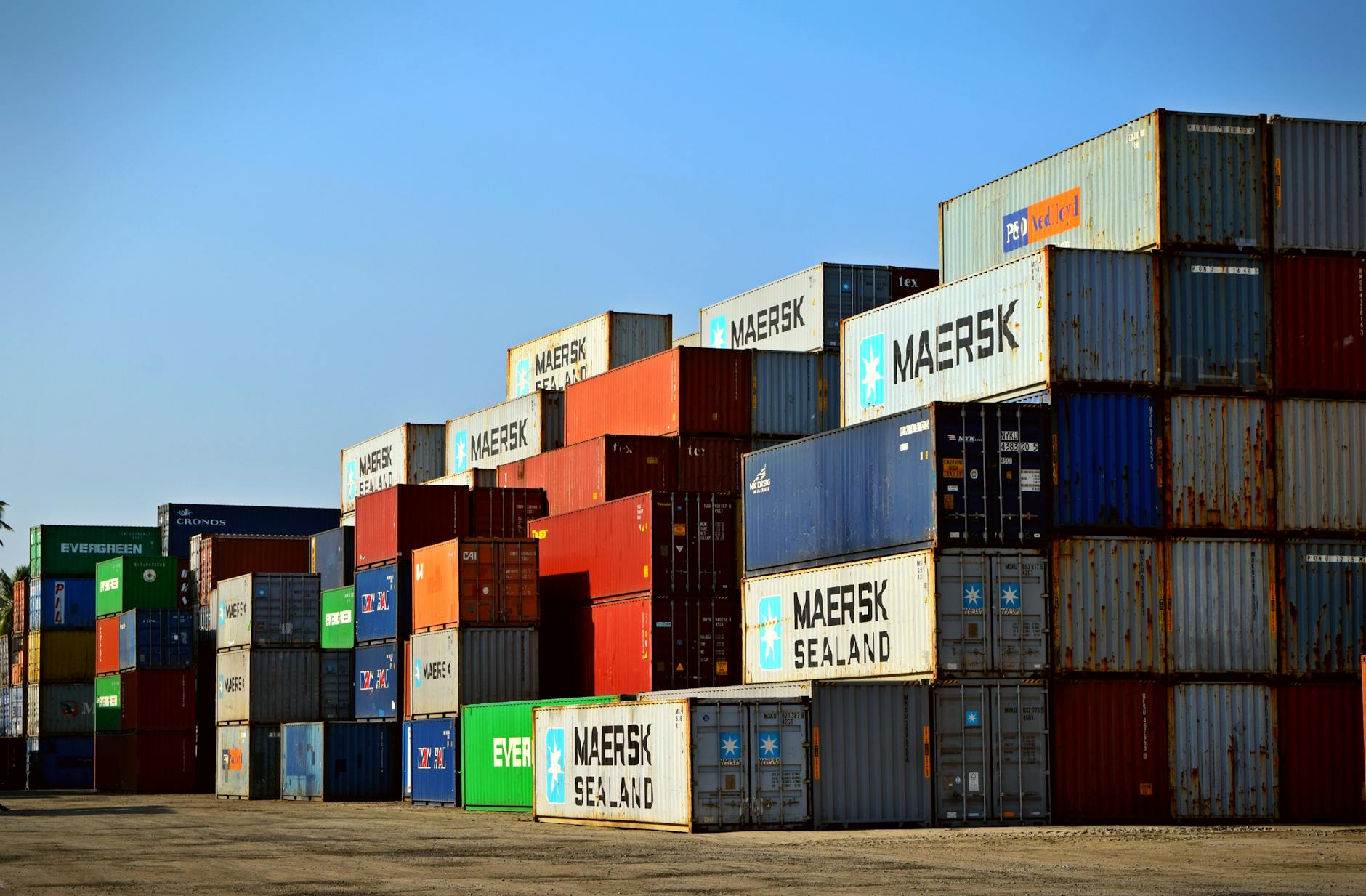
An E-Way Bill is an electronic document generated on the GST portal that must accompany goods during transport. It is required when the consignment value exceeds Rs. 50,000 for inter-state movement. Many states also require E-Way Bills for intra-state movement above state-specific thresholds.
For related guidance, see our TDS management in Zoho Books.
For related guidance, see our purchase order management.
Go to Settings > Integrations > E-Way Bill. Enter your GSTIN and authenticate with the E-Way Bill portal. Once connected, Zoho Books generates E-Way Bills directly from invoice records.
After creating a sales invoice for goods above Rs. 50,000, click Generate E-Way Bill. Zoho Books pre-fills supplier and buyer details. You add transport mode, vehicle number, transporter ID, and distance. The system returns the E-Way Bill number linked to thGST e-invoicing setup in Zoho Bookse.
| Distance | Validity |
|---|---|
| Up to 200 km | 1 day |
| Every 200 km after | +1 day |
Extend the E-Way Bill before it expires if goods are delayed in transit.
Cancel within 24 hours if the shipment is abandoned. After 24 hours, let it expire. To update the vehicle number mid-route, use the Update Vehicle option in Zoho Books or the E-Way Bill portal.
For consignments travelling on multiple vehicles, update Part-B each time the vehicle changes. This is mandatory for long-distance shipments across India.
An e-way bill is required for the movement of goods worth more than Rs 50,000 under GST. It applies to sales, purchases, stock transfers, and job work movements. Zoho Books can generate e-way bills directly for outward supply invoices without requiring a separate login to the NIC e-way bill portal, provided you have enabled the integration.
Part A of the e-way bill covers the supplier, recipient, and invoice details. Part B covers the transporter and vehicle details. If the goods are transferred from one vehicle to another mid-journey (for example, from a truck to a smaller vehicle at a hub), the transporter must update Part B with the new vehicle number on the NIC portal.
E-way bill validity depends on distance: for distances up to 200 km, the bill is valid for 1 day. For each additional 200 km, one more day is added. If the goods are delayed due to accident, force majeure, or other reasons, the validity can be extended within 8 hours before or after expiry by the consignor, consignee, or transporter on the NIC portal.
If the goods are not dispatched after an e-way bill is generated, cancel the bill within 24 hours. In Zoho Books, open the invoice, click Cancel E-Way Bill, select the reason (duplicate, order cancelled, data entry error, or other), and confirm. After 24 hours, cancellation is not possible through the API. For bills that cannot be cancelled, the goods must still be transported under the issued bill or a new bill must be generated for the actual dispatch.
For intra-state movement, most states require an e-way bill only when the value of goods exceeds Rs 50,000. However, some states have additional rules for intra-city or intra-district movement. Maharashtra, for example, has specific rules for certain goods categories. Always check the state-specific e-way bill notifications for your state on the GST Council website for the latest rules.
If one vehicle carries goods from multiple invoices for the same supplier going to the same destination, you can generate a consolidated e-way bill. On the NIC portal, use the Consolidated EWB option and link all the individual e-way bill numbers. Zoho Books currently generates individual e-way bills per invoice, but the consolidated e-way bill can be created manually on the NIC portal by referencing the individual EWB numbers.
Yes. For inward supply (purchases), the recipient can generate the e-way bill if the supplier has not done so. In Zoho Books, you can generate an e-way bill for a purchase order or a bill record the same way as for a sales invoice. Enter the supplier’s details in Part A and the transporter’s details in Part B before submission.
On this page Ask any Indian SME founder how they manage their sales pipeline management…
On this page Most Google Ads accounts optimise for form fills or phone calls. Those…
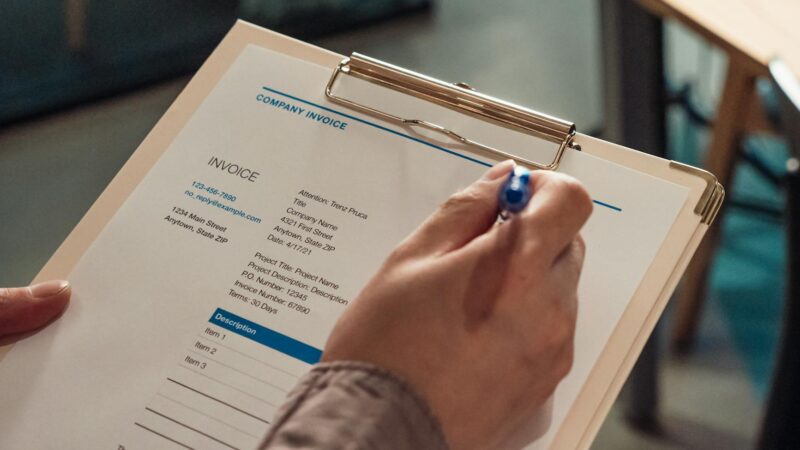
Map all 51 UAE e-invoicing mandatory fields to their NetSuite source. Covers custom fields, hardcoded…
Our team builds systems that actually work. No fluff, just honest architecture and clean implementation.