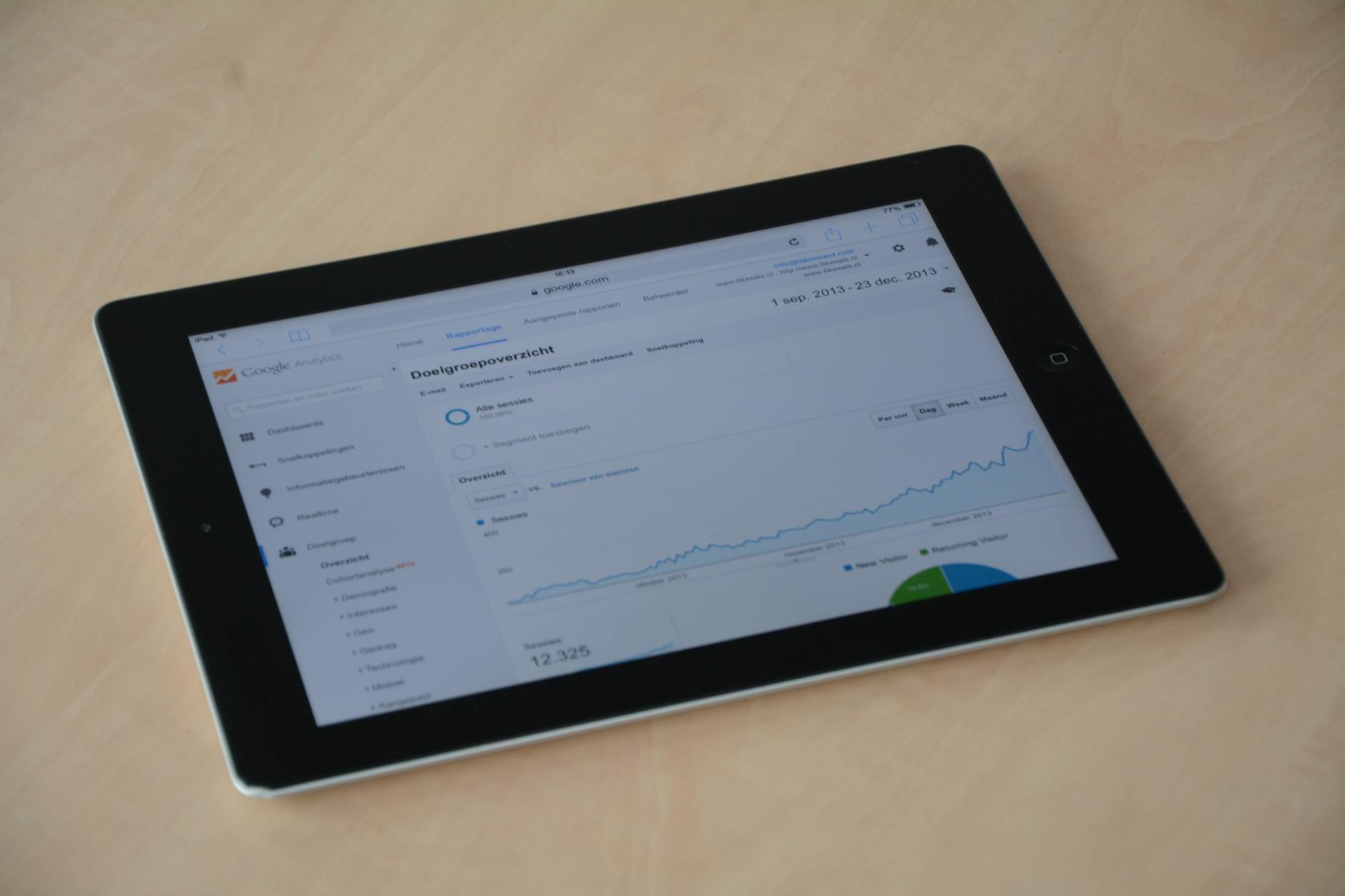
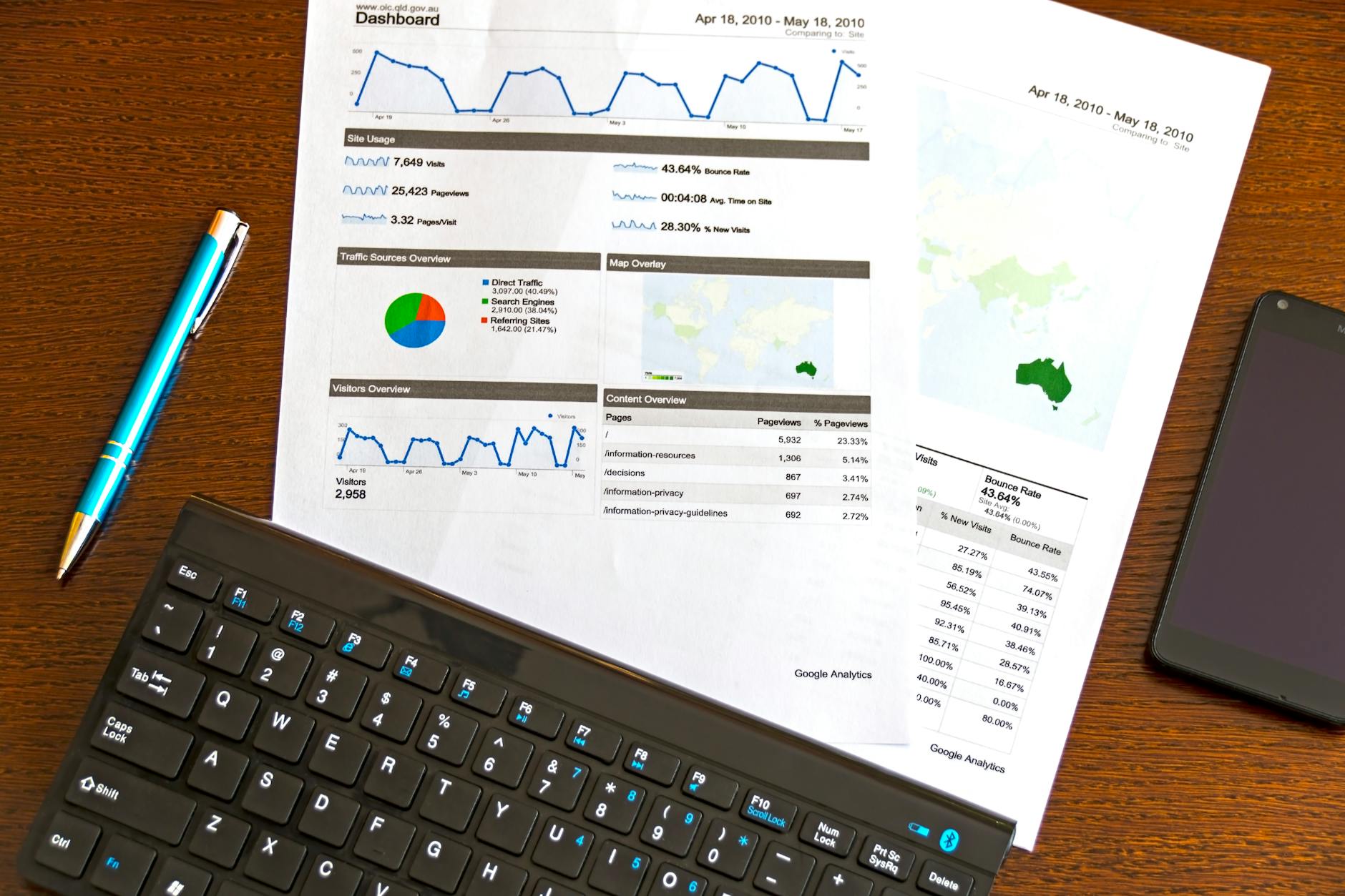
Zoho Analytics: Building Business Dashboards That Actually Help
Most businesses have data. Few businesses have answers. Zoho Analytics pulls data from Zoho CRM, Books, Inventory, and other sources into one place and lets you build dashboards and reports that give you real visibility into your business. This guide explains how to set it up and what dashboards to build first.
Who should read this: Business owners, sales managers, finance heads, and operations leaders who are using Zoho apps but still making decisions from spreadsheets or incomplete information.
What Zoho Analytics Does (Simply Explained)
Zoho Analytics is a business intelligence (BI) tool that connects to your Zoho apps and external data sources, combines the data, and lets you build reports, charts, and dashboards without writing SQL or complex formulas. You drag and drop data fields to create visualizations.
Headcount, attrition, leave utilization, department cost
Google Ads / Meta Ads
Ad spend vs. lead volume, cost per lead by channel
Excel / CSV
Any offline data: competitor benchmarks, market data, field surveys
Connecting Your Data: First Steps
1
Connect Zoho Apps In Zoho Analytics, go to “Connectors” and select Zoho CRM, Zoho Books, or Zoho Inventory. Authorize the connection. Data syncs automatically at intervals you set (hourly, daily, etc.).
2
Review Imported Tables Each connected app brings in its data as tables. For CRM: Leads, Contacts, Deals, Activities. For Books: Invoices, Bills, Customers, Items. These appear as tables in your Analytics workspace.
3
Create Relationships Link tables from different sources. Example: Connect CRM Deals to Books Invoices on the “Deal Name” or “Customer” field. This lets you analyze from lead to revenue in a single report.
4
Build Your First Report Click “Create Report.” Choose a table, drag dimensions (e.g., Sales Rep) to rows, drag measures (e.g., Deal Amount) to values, choose chart type. Your first chart appears in seconds.
5
Assemble a Dashboard Combine related charts and KPI widgets onto a dashboard. Add date range filters so managers can toggle between this week, this month, and this quarter. Share the dashboard link with stakeholders.
5 Dashboards Every Indian Business Should Build First
1. Sales Pipeline Dashboard (from Zoho CRM)
Total deal value by stage (funnel chart)
Deals by close date this month
Rep-wise deal count and value
Lead conversion rate by source
Average deal age by stage
2. Revenue and Collections Dashboard (from Zoho Books)
Monthly revenue trend (bar chart)
Outstanding receivables by aging bucket (0-30, 31-60, 61-90, 90+ days)
Top 10 customers by revenue
Revenue vs. expenses comparison
GST collected vs. GST paid (for rough ITC picture)
3. Inventory Health Dashboard (from Zoho Inventory)
Items below reorder point
Dead stock (no movement in 90+ days)
Stock value by warehouse
Top 20 fast-moving items
Purchase cost trend by category
4. Marketing Attribution Dashboard (CRM + Ads)
Leads by source this month
Cost per lead by channel (if Ads data connected)
Conversion rate by lead source
Campaign-wise revenue attribution
5. Business Health Dashboard (Cross-source)
Revenue this month vs. same month last year
Gross margin %
New customers acquired
Outstanding dues
Headcount and payroll cost
Ask AI: Zoho Analytics has a built-in AI assistant called “Zoho Zia AI and forecasting.” You can type “Show me revenue by product category for Q4” and Zia builds the report instantly. This is useful for ad-hoc analysis without building a formal report.
Zoho Analytics vs. Excel Reports
Criteria
Zoho Analytics
Excel from Zoho exports
Data freshness
Live or hourly sync
As old as last export
Multiple data sources
All Zoho apps + external
One export at a time
Sharing with team
Browser link, no download needed
Email / shared drive
Drill-down
Click on any chart to see detail
Manual filter setup
Automation
Scheduled email reports
Manual
Formula complexity
Medium (drag-drop UI)
High (VLOOKUP, pivot tables)
Frequently Asked Questions
Is Zoho Analytics free with Zoho One?
Zoho Analytics Basic is included with Zoho One. The Standard and Premium plans (with more rows and users) require a separate subscription. For most SMEs, the included Basic plan is sufficient to start. Check the Zoho pricing calculator for full plan details.
Can Zoho Analytics connect to our SQL database?
Yes. Zoho Analytics connects to MySQL, PostgreSQL, MS SQL Server, and other databases via direct connector or scheduled import. This is useful when you have data in a custom system alongside your Zoho apps.
How long does it take to build the dashboards described in this article?
With data already in Zoho, the 5 dashboards above take an experienced Zoho Analytics user approximately 6-10 hours to build correctly. A first-time user should budget 2-3 days with some learning time included. Aaxonix can build these for you as part of a Zoho Zoho implementation checklist engagement.
Can we embed Zoho Analytics dashboards in our website or intranet?
Yes. Zoho Analytics dashboards can be embedded as iframes in internal portals, websites, or shared directly via link with password protection. This is useful for sharing real-time metrics with teams without giving them full Zoho access.
Can Zoho Analytics combine data from Zoho CRM and Zoho Books into a single report?
Yes. Zoho Analytics lets you create relationships between tables from different Zoho apps, for example linking CRM deals to Books invoices through a common field such as customer or deal name. Once that relationship exists, you can build a single report that follows a customer’s journey from lead to closed deal to paid invoice. This cross-app view is one of the main reasons businesses move from separate app-level reports to a dedicated Analytics dashboard.
Does someone need to know SQL or coding to build these dashboards?
No. Zoho Analytics is built for drag-and-drop report creation: choose a table, drag a dimension such as sales rep or product category into rows, drag a measure such as deal amount into values, and pick a chart type. No SQL or formula writing is required for standard reports, though Zoho Analytics does support custom formulas and SQL-based query tables for advanced users. Most business owners can build their first chart within minutes of connecting data.
Bottom line: Zoho Analytics transforms your Zoho CRM, Books, and Inventory data from isolated records into a connected picture of your business performance. Start with the 5 core dashboards and expand from there. The setup investment pays back within weeks as you stop making decisions blind.
Aaxonix builds Zoho Analytics dashboards for businesses across India. Contact us to discuss setting up analytics for your business.
Tell us what you are working through and a senior architect from our team will get back to you with a straight answer, usually within a couple of working days. No bot, no hard sell.