

Blog
Zoho Books Client Portal: Setup, Customization, and Best Practices
Set up the Zoho Books client portal to give customers self-service access to invoices, estimates,…
12 min read
Read article →
NetSuite’s financial reporting goes well beyond what Tally or Zoho Books offers. For Indian mid-market companies that need consolidated financials, multi-currency reporting, and audit-grade data, NetSuite provides standard financial statements plus a flexible reporting engine for custom requirements.

NetSuite generates these standard reports out of the box:
NetSuite includes more than 100 standard financial reports in total, accessible under Reports in the top navigation. Each report above can be run for any date range, subsidiary, or department without custom setup.
To run the Profit and Loss statement: go to Reports > Financial > Income Statement, set the date range (period, quarter, or custom dates), select the subsidiary if your account has multiple entities, and click Refresh. Use the Comparative option to show the current period against the prior period side by side, the standard view for monthly management reviews in Indian companies.
NetSuite’s India localisation adds two more report types worth knowing. The GST Tax Audit Report, under Reports > Tax > India GST, summarises taxable transactions for a period by GST rate, customer GSTIN, and invoice date, and is commonly used as a starting point for GSTR-1 preparation, though most businesses still run the actual filing through a GST-specific tool or their CA’s software. For TDS, once the India Tax feature is enabled and TDS sections are mapped to vendor records, the TDS Ledger report shows deductions by section and vendor for any period, the source data for the quarterly Form 26Q filing.
For companies using NetSuite OneWorld with multiple subsidiaries, financial consolidation happens automatically. Parent company reports show consolidated figures with inter-company eliminations applied. A holding company with an Indian subsidiary and a UAE subsidiary sees one consolidated P&L and balance sheet.
For multi-currency businesses with overseas subsidiaries or export revenue, the consolidated P&L automatically translates foreign currency amounts to INR at the exchange rates you configure. The translation method, historical, average, or period-end rate, follows your account’s consolidation settings and the applicable Indian GAAP or Ind AS requirements.
NetSuite’s Saved Search is the core reporting tool. It queries any data in the system with filters, grouping, and formulas. Create custom reports like: revenue by product line by state, deal pipeline by sales rep with weighted forecast, or vendor payment ageing with TDS deducted.
A saved search can pull data from any record type, invoices, vendors, customers, items, or transactions, and filter, group, and sort it in any combination, with results shown as a list, a chart, or a summary table.
Common examples for Indian businesses include overdue customer invoices by amount for collections follow-up, purchase orders with no corresponding bill within 30 days to flag pending bill receipt, and tax invoices with no GST number on the customer record for compliance review. Once created, a saved search can be pinned to the homepage dashboard and run with a single click.
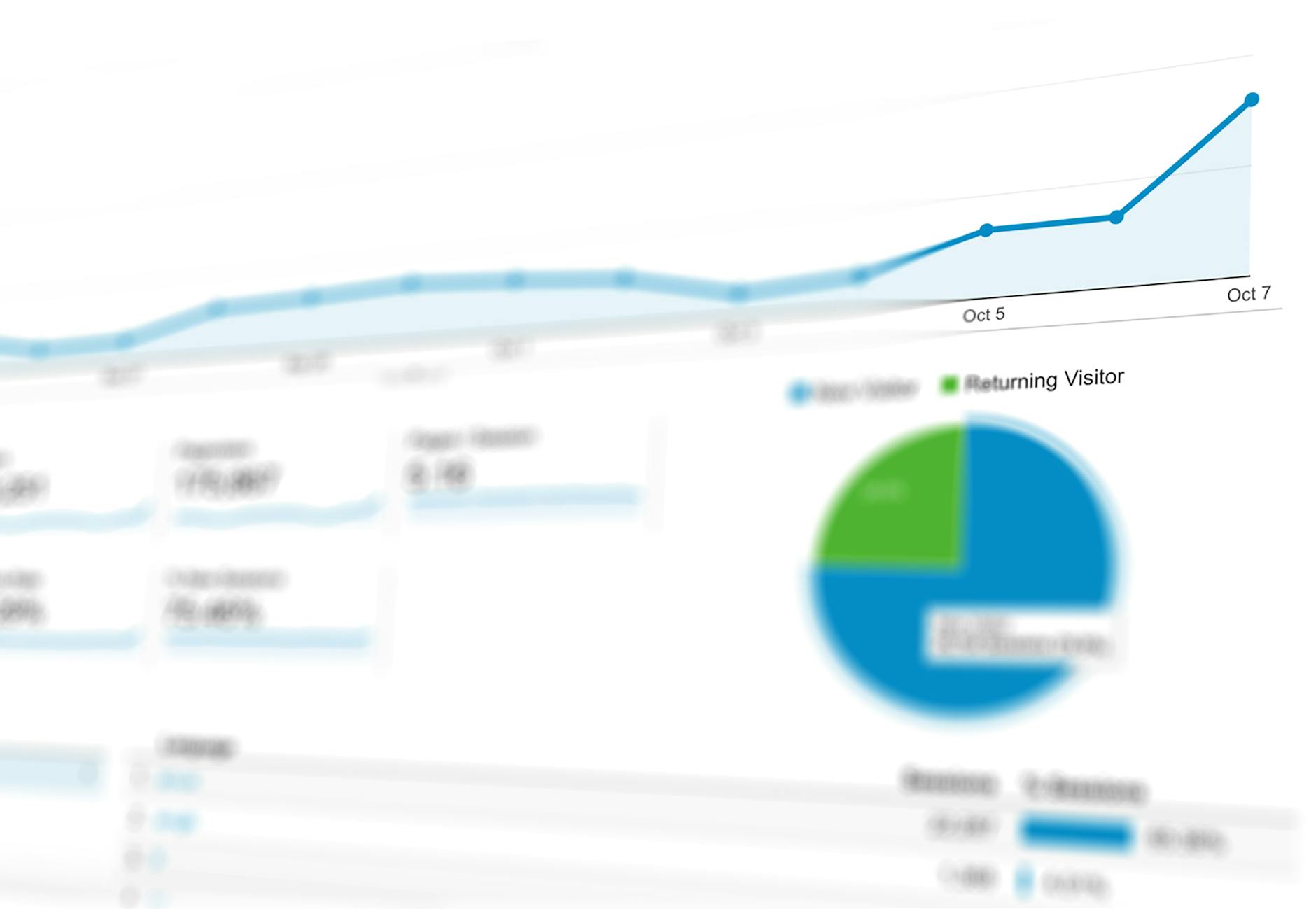
For more visual and interactive reporting, SuiteAnalytics Workbook provides pivot tables, charts, and dashboards. Connect any NetSuite data, build visualisations, and share dashboards with specific NetSuite roles and permissions. Finance teams use this for monthly MIS decks; sales heads use it for pipeline dashboards.
Schedule any report to run daily, weekly, or monthly and email the results as PDF or Excel to specified recipients. The CFO gets the weekly cash position report every Monday morning. The sales head gets the pipeline summary every Friday. No manual pulling of reports required.
Tell us what you are working through and a senior architect from our team will get back to you with a straight answer, usually within a couple of working days. No bot, no hard sell.
A senior architect will get back to you at , usually within a couple of working days. Worth checking your spam folder, just in case.
Set up the Zoho Books client portal to give customers self-service access to invoices, estimates,…
Connect Zoho Campaigns to Shopify and trigger targeted emails from purchase data. Set up abandoned…

Comparing Zoho One and Clio for law firms: pricing, CRM, trust accounting, billing, and which…
Tell us what you are actually trying to do. You will get a straight answer from a senior architect who has done this before, not a sales rep.
A senior architect will get back to you at , usually within a couple of working days. Worth checking your spam folder, just in case.
Ask it now and a senior architect will get back to you, usually within a couple of working days. It goes to our team, not a mailing list.
A senior architect will get back to you at , usually within a couple of working days. Worth checking your spam folder, just in case.