

Blog
Which Zoho One Apps to Set Up First and Why Order Matters
The zoho one setup order priority determines whether your rollout takes 6 weeks or 16.…
12 min read
Read article →
Zoho One bundles 45+ applications for a single per-user price. For Indian SMBs that need CRM, accounting, Zoho People HR management, marketing, and support Zoho Desk setup for Indian support teams without managing separate subscriptions, Zoho One is the most cost-effective way to run an entire business on connected software.

Every Zoho One subscription includes access to the full Zoho suite: CRM, Books, Desk, People, Recruit, Campaigns, SalesIQ, Projects, WorkDrive, Cliq, Zoho Analytics for business intelligence, Creator, and 30+ more applications. Each user gets access to all apps, there are no per-app licenses to manage.
| Plan | Price (INR) | Requirement |
|---|---|---|
| All Employees | Rs. 1,500/user/month | Must license every employee |
| Flexible User | Rs. 2,250/user/month | License only the users who need it |
The All Employees plan is cheaper per user but requires every employee to have a license. For a 30-person company, that is Rs. 45,000/month for the entire suite. The Flexible User plan lets you license only 10 or 15 users at a higher per-user rate.
Both plans are annual contracts, so before committing it is worth reading the Zoho cancellation policy in full, including the 45-day refund window and what happens to your data if you decide to exit partway through.
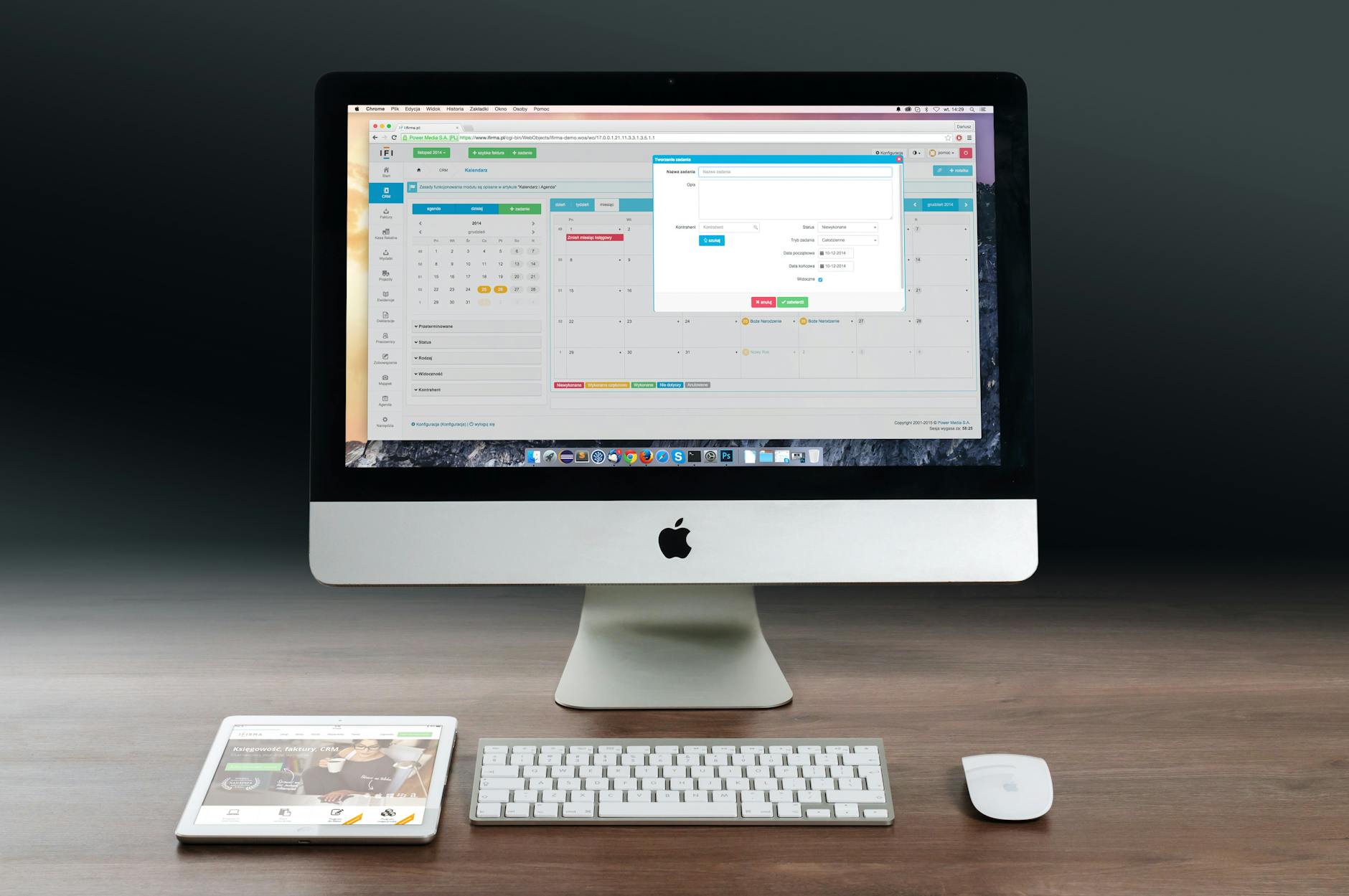
The biggest advantage of Zoho One over buying Zoho One vs individual Zoho apps is the data layer. A contact in Zoho CRM is the same contact in Zoho Desk, Zoho Campaigns, and Zoho Books. When a deal closes in CRM, it can automatically create an invoice in Books, a project in Projects, and a welcome email in Campaigns, without any third-party integration.
Buying Zoho CRM Enterprise (Rs. 3,000/user), Zoho Books Professional (Rs. 1,500/month), and Zoho Desk Professional (Rs. 1,500/user) individually costs significantly more than Zoho One at Rs. 1,500/user for all apps combined. The math works in Zoho One’s favour as soon as you use 3 or more Zoho apps.
Zoho One’s per-user price covers application access, but a few things sit outside it that Indian SMBs should budget for separately. Storage is the most common one: Zoho One includes a pooled WorkDrive storage allocation based on user count, and businesses that store large design files, video, or scanned document archives typically exceed this pool within the first year and need to buy additional storage blocks.
Zoho Voice calling minutes, bulk email sending beyond the included Campaigns quota, and Zoho Sign envelopes beyond the bundled monthly allowance are billed as add-ons rather than covered by the per-user rate. None of this changes the core economics of Zoho One versus buying apps individually, since the individual-app comparison has the same add-on costs sitting outside it too, but it is worth asking about during a proof-of-concept so the monthly number being compared against alternatives is the real one, not just the headline per-user price.
The All Employees plan is cheaper per seat, but it only pays off when nearly everyone genuinely touches at least one Zoho app. A 30-person company with 10 warehouse or factory floor staff who never log into any Zoho product is still paying for licenses that go unused if every employee is forced onto the All Employees plan.
For businesses with a meaningful share of staff who will never need email, CRM, or Books access, the Flexible User plan, licensing only the people who actually work inside Zoho apps, usually works out cheaper than paying the lower All Employees rate across the full headcount. Run the maths both ways against actual headcount and app usage before signing an annual contract, since moving from All Employees to Flexible later is a plan change, not a simple downgrade.
Each Zoho app in the One bundle has its own configuration requirements. These guides cover the setup and key features for each product relevant to Indian businesses:
For education-specific deployments, the Zoho One for schools and EdTech companies guide covers admissions management, fee collection, and student lifecycle workflows built on the Zoho One bundle.
For a comprehensive guide to Zoho Analytics for Indian businesses, including data source connections, cross-app reports, and dashboard setup, see the Zoho Analytics for Indian SMBs guide.
Tell us what you are working through and a senior architect from our team will get back to you with a straight answer, usually within a couple of working days. No bot, no hard sell.
A senior architect will get back to you at , usually within a couple of working days. Worth checking your spam folder, just in case.
The zoho one setup order priority determines whether your rollout takes 6 weeks or 16.…
Everything Zoho users need to know about Zia, Zoho's built-in AI. Features in CRM, Desk,…

On this page Wholesale distribution looks deceptively straightforward on paper: buy goods, store them, sell…
Tell us what you are actually trying to do. You will get a straight answer from a senior architect who has done this before, not a sales rep.
A senior architect will get back to you at , usually within a couple of working days. Worth checking your spam folder, just in case.
Ask it now and a senior architect will get back to you, usually within a couple of working days. It goes to our team, not a mailing list.
A senior architect will get back to you at , usually within a couple of working days. Worth checking your spam folder, just in case.