

Blog
Data Migration to Zoho: How to Move from Legacy Systems Without Losing Data
How to migrate data from spreadsheets, Tally, Salesforce, or legacy ERPs to Zoho without losing…
15 min read
Read article →
Most businesses have data. Few businesses have answers. Zoho Analytics pulls data from Zoho CRM, Books, Inventory, and other sources into one place and lets you build dashboards and reports that give you real visibility into your business. This guide explains how to set it up and what dashboards to build first.
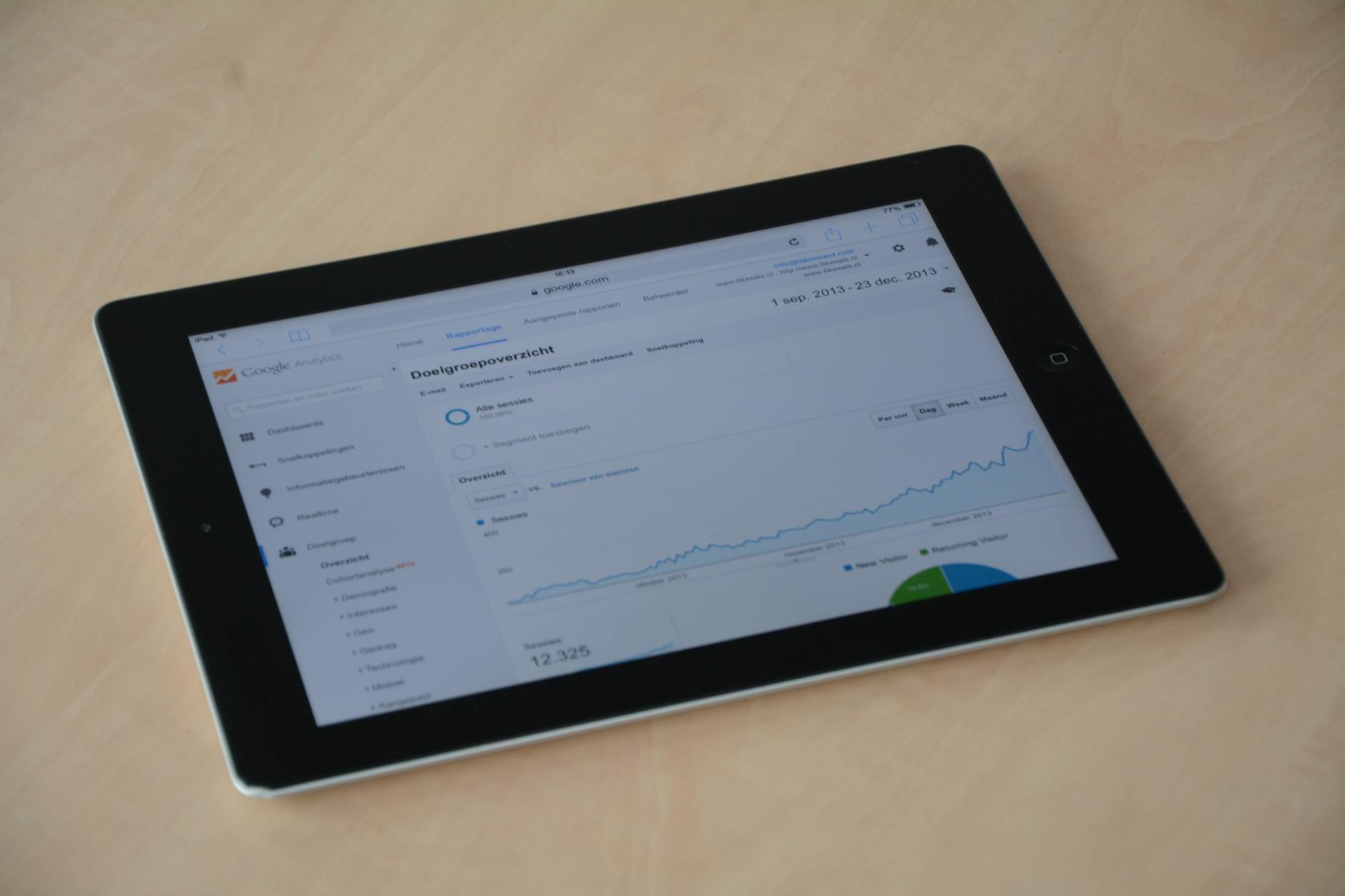
Zoho Analytics is a business intelligence (BI) tool that connects to your Zoho apps and external data sources, combines the data, and lets you build reports, charts, and dashboards without writing SQL or complex formulas. You drag and drop data fields to create visualizations.
| Data Source | What You Can Analyze |
|---|---|
| Zoho CRM | Leads, sales pipeline, rep performance, deal velocity |
| Zoho Books | Revenue, outstanding receivables, expense categories, gross margin, GST summary |
| Zoho Inventory | Stock levels, slow-moving items, purchase costs, warehouse performance |
| Zoho People | Headcount, attrition, leave utilization, department cost |
| Google Ads / Meta Ads | Ad spend vs. lead volume, cost per lead by channel |
| Excel / CSV | Any offline data: competitor benchmarks, market data, field surveys |
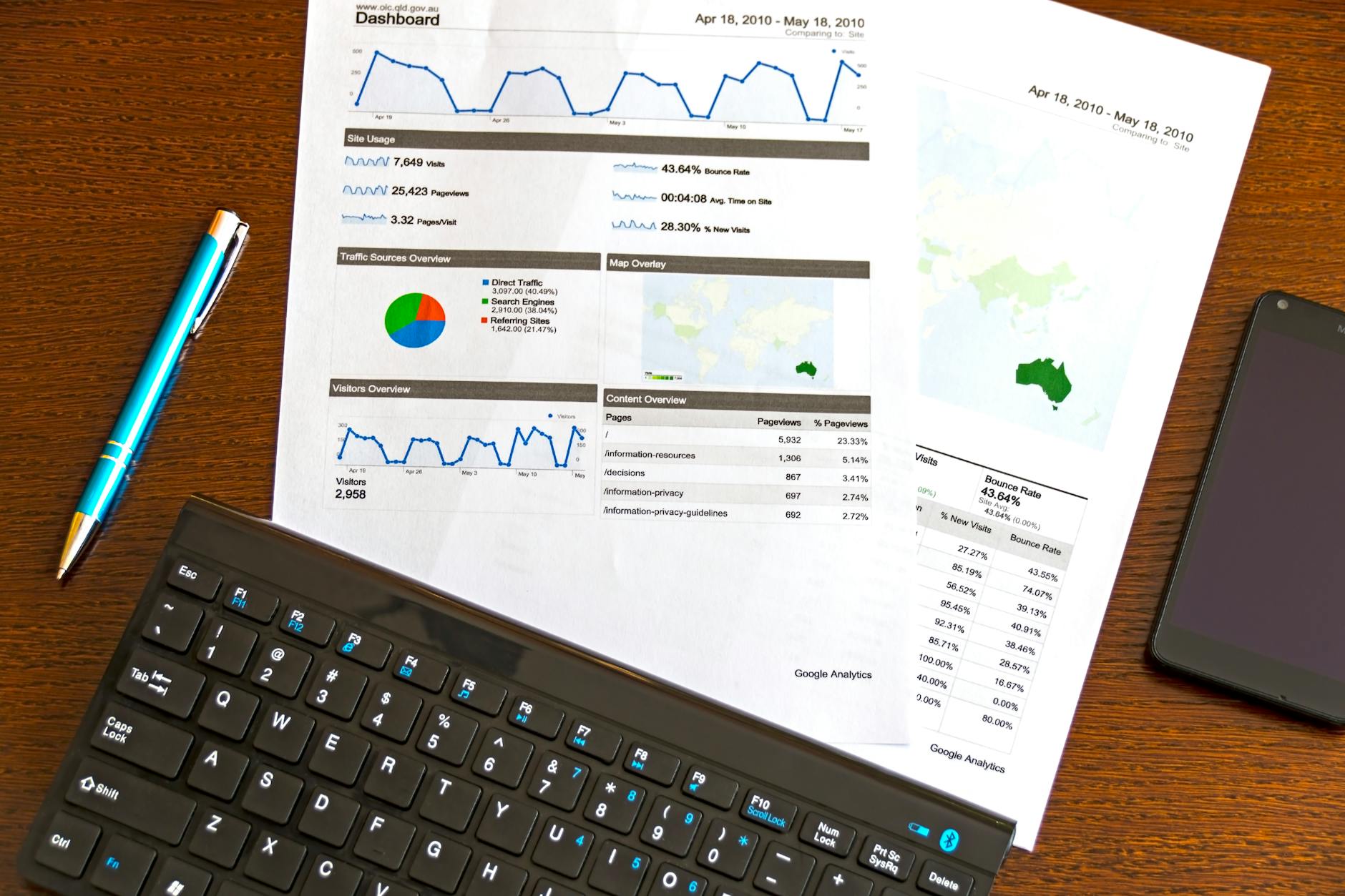
| Criteria | Zoho Analytics | Excel from Zoho exports |
|---|---|---|
| Data freshness | Live or hourly sync | As old as last export |
| Multiple data sources | All Zoho apps + external | One export at a time |
| Sharing with team | Browser link, no download needed | Email / shared drive |
| Drill-down | Click on any chart to see detail | Manual filter setup |
| Automation | Scheduled email reports | Manual |
| Formula complexity | Medium (drag-drop UI) | High (VLOOKUP, pivot tables) |
Zoho Analytics Basic is included with Zoho One. The Standard and Premium plans (with more rows and users) require a separate subscription. For most SMEs, the included Basic plan is sufficient to start. Check the Zoho pricing calculator for full plan details.
Yes. Zoho Analytics connects to MySQL, PostgreSQL, MS SQL Server, and other databases via direct connector or scheduled import. This is useful when you have data in a custom system alongside your Zoho apps.
With data already in Zoho, the 5 dashboards above take an experienced Zoho Analytics user approximately 6-10 hours to build correctly. A first-time user should budget 2-3 days with some learning time included. Aaxonix can build these for you as part of a Zoho Zoho implementation checklist engagement.
Yes. Zoho Analytics dashboards can be embedded as iframes in internal portals, websites, or shared directly via link with password protection. This is useful for sharing real-time metrics with teams without giving them full Zoho access.
Yes. Zoho Analytics lets you create relationships between tables from different Zoho apps, for example linking CRM deals to Books invoices through a common field such as customer or deal name. Once that relationship exists, you can build a single report that follows a customer’s journey from lead to closed deal to paid invoice. This cross-app view is one of the main reasons businesses move from separate app-level reports to a dedicated Analytics dashboard.
No. Zoho Analytics is built for drag-and-drop report creation: choose a table, drag a dimension such as sales rep or product category into rows, drag a measure such as deal amount into values, and pick a chart type. No SQL or formula writing is required for standard reports, though Zoho Analytics does support custom formulas and SQL-based query tables for advanced users. Most business owners can build their first chart within minutes of connecting data.
Aaxonix builds Zoho Analytics dashboards for businesses across India. Contact us to discuss setting up analytics for your business.
Tell us what you are working through and a senior architect from our team will get back to you with a straight answer, usually within a couple of working days. No bot, no hard sell.
A senior architect will get back to you at , usually within a couple of working days. Worth checking your spam folder, just in case.
How to migrate data from spreadsheets, Tally, Salesforce, or legacy ERPs to Zoho without losing…

How to configure Zoho People performance management: KRAs, goals, appraisal forms, 360 feedback, and running…

Recognise the warning signs of SaaS sprawl before it erodes productivity and budget. Eight concrete…
Tell us what you are actually trying to do. You will get a straight answer from a senior architect who has done this before, not a sales rep.
A senior architect will get back to you at , usually within a couple of working days. Worth checking your spam folder, just in case.
Ask it now and a senior architect will get back to you, usually within a couple of working days. It goes to our team, not a mailing list.
A senior architect will get back to you at , usually within a couple of working days. Worth checking your spam folder, just in case.