

Blog
Zoho Projects + Microsoft Teams: Task Assignments and Sprint Updates
On this page Why a Zoho Projects Microsoft Teams Integration Matters for Modern Teams Project…
11 min read
Read article →
Zoho Flow is a no-code integration platform that connects Zoho apps to each other and to 800+ third-party applications. For Indian businesses that need to automate workflows between CRM, WhatsApp, payment gateways, and accounting software, Zoho Flow builds these connections without writing code, billing each run by the number of Zoho Flow tasks it executes.
Last updated July 2026.
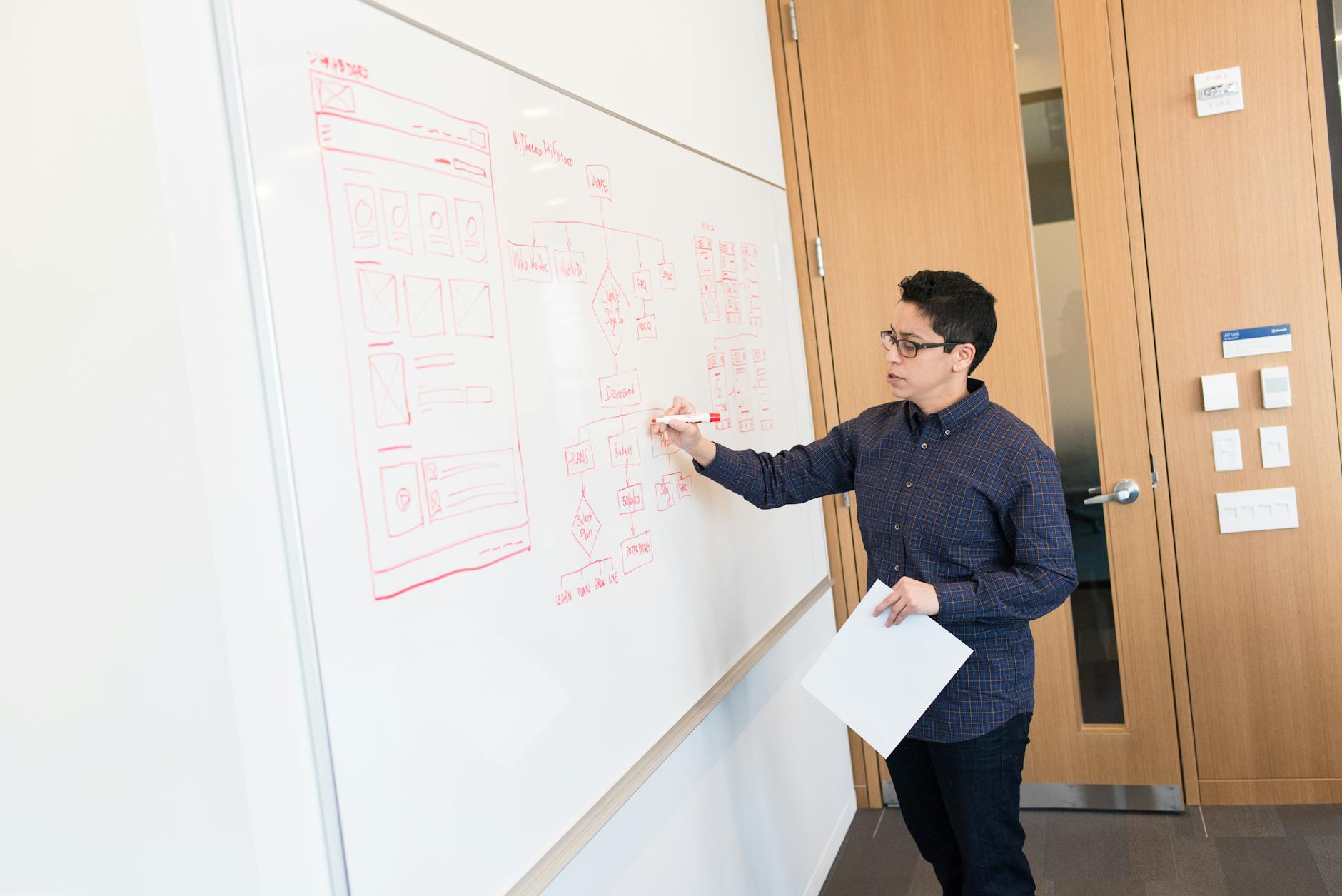
Zoho Flow works on triggers and actions. A trigger is an event in one app (new deal in Zoho CRM, payment received in Razorpay). An action is what happens in another app (create invoice in Zoho Books, send WhatsApp message). You chain triggers and actions into flows that run automatically.
Go to Zoho Flow, click Create Flow. Select the trigger app and event. Add one or more action steps. Map fields between the trigger and action (e.g., map the CRM deal amount to the Books invoice total). Test the flow and activate it. Most flows take 10 to 15 minutes to build.

Add conditions to flows: only create an invoice if the deal amount exceeds Rs. 10,000. Add delays: wait 3 days after deal closure before sending a feedback survey. Add branches: if the deal type is Product, create in Books; if Service, create in Projects.
Zoho CRM has its own workflow rules for internal CRM automations (field updates, email alerts, tasks). Use CRM workflows for CRM-only automations. Use Zoho Flow when the automation crosses app boundaries, CRM to Books, CRM to WhatsApp, or any third-party integration. When the logic is too complex for Flow, custom Deluge scripting fills the gap.
Every plan, including the allocation bundled inside Zoho One, meters Zoho Flow tasks by action step, not by the number of flows or trigger events built. Each action step inside a flow counts as one task, so a flow with a trigger and three action steps, create an invoice in Books, send a WhatsApp message, post a note to Cliq, consumes three tasks every time it runs, not one. Zoho’s own subscription and usage documentation confirms that filtered executions and steps such as delays or decisions do not draw down the quota, only actions that actually run.
A business running the CRM plus WhatsApp plus Books combination across a few hundred leads a month can use up its bundled Zoho Flow tasks faster than the flow count alone suggests, since it is the number of steps executing, not the number of flows built, that draws down the quota. Delays and conditions do not themselves consume tasks, but every action that actually executes after them does.
Zoho Flow lets a flow be tested against a live sample of trigger data before it is switched on, which matters more than it sounds like for anything touching money or customer communication. Running a test on the CRM to Books flow, for example, using a real recently closed deal rather than a hypothetical one, shows exactly what the created invoice looks like, including whether the amount, tax treatment, and customer details mapped correctly, before the flow starts creating invoices automatically for every deal going forward.
For flows built by someone other than the person who will use them daily, for example an admin building a WhatsApp notification flow on behalf of the sales team, running this test with the actual team lead present catches formatting or tone issues in the message template that are easy to miss when only the builder reviews it. A flow that looks correct in the builder’s test run but was never checked by the person receiving the output is a common source of complaints in the first week after activation.
Tell us what you are working through and a senior architect from our team will get back to you with a straight answer, usually within a couple of working days. No bot, no hard sell.
A senior architect will get back to you at , usually within a couple of working days. Worth checking your spam folder, just in case.
On this page Why a Zoho Projects Microsoft Teams Integration Matters for Modern Teams Project…

Complete guide to migrating from Sage 50, Sage 100, or Sage Business Cloud to NetSuite…

On this page Food and beverage manufacturers face a set of operational demands that generic…
Tell us what you are actually trying to do. You will get a straight answer from a senior architect who has done this before, not a sales rep.
A senior architect will get back to you at , usually within a couple of working days. Worth checking your spam folder, just in case.
Ask it now and a senior architect will get back to you, usually within a couple of working days. It goes to our team, not a mailing list.
A senior architect will get back to you at , usually within a couple of working days. Worth checking your spam folder, just in case.