

Blog
Zoho One vs Microsoft 365 and Dynamics 365: Which Covers More?
A direct comparison of Zoho One vs Microsoft 365 and Dynamics 365 across productivity apps,…
12 min read
Read article →
TDS (Tax Deducted at Source) is non-negotiable for Indian businesses. Late deductions, wrong TDS rates, or missed filings attract penalties from the Income Tax Department. Zoho Books accounting features handles TDS calculations, deduction tracking, and return preparation inside your regular accounting workflow.
Last updated: July 12, 2026
Quick answer: Zoho Books calculates TDS automatically on vendor bills based on the section code, rate, and vendor PAN status, then tracks it as a liability until you remit it to the government by the 7th of the following month. It generates the data needed for Form 26Q and 24Q returns. As of April 1, 2026, the Income-tax Act, 2025 reports these deductions under a consolidated Section 393 with payment codes rather than the older 194C/194J-style section numbers, though the underlying rates are unchanged.
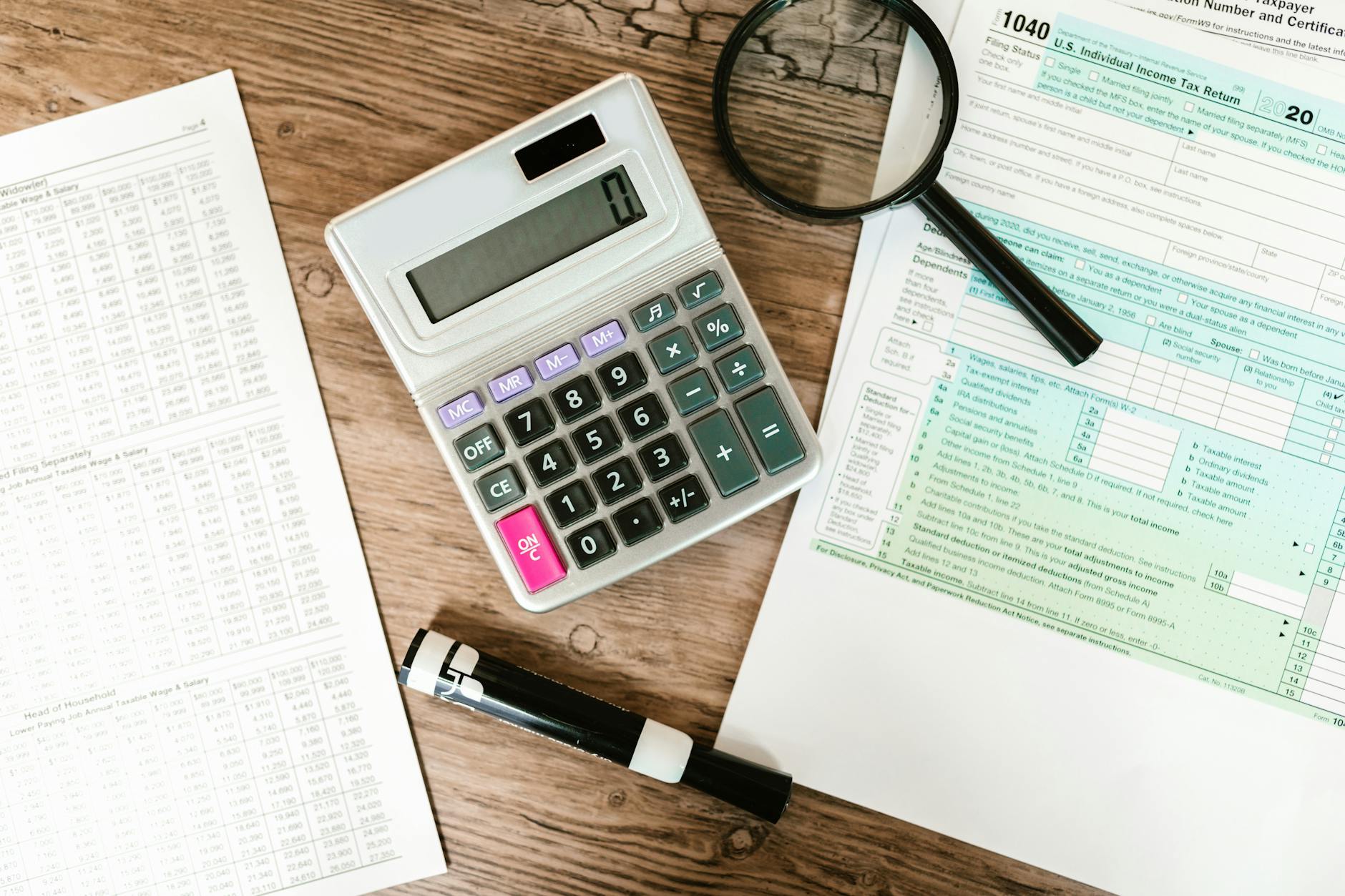
When you record a vendor purchase order in Zoho Books with TDS enabled, the system automatically calculates the TDS amount based on the section code and rate you select. The TDS is deducted from the vendor payment and tracked as a liability in your books until you remit it to the government.
Zoho Books supports all major TDS categories, still commonly referenced by their familiar section numbers: 194C (contractor payments), 194J (professional fees), 194H (commission), 194I (rent), 194A (interest), and others. You can also add custom TDS rates for specific scenarios.
Regulatory update: From April 1, 2026, the Income-tax Act, 2025 replaced the old TDS section numbers with a consolidated structure. Section 194C (contractor payments) is now reported under Section 393 with payment code 1017. Other familiar sections, including 194J (professional fees), 194H (commission), 194I (rent), and 194A (interest), now fall under Section 393 as well, each with its own payment code. The underlying TDS rates and thresholds carry over unchanged. The CPC has been rejecting filings that use the old section codes since Q1 FY 2026-27, so confirm your TDS return preparation, including data exported from Zoho Books, reflects the correct current codes before filing.
Go to Settings > Taxes > TDS and enable TDS. Select whether your organisation deducts TDS on purchases, sales, or both. For most Indian businesses, TDS is deducted on vendor payments. Add your TAN (Tax Deduction Account Number) in the organisation settings.
If the vendor has provided their PAN, the standard rate applies. Without PAN, TDS is deducted at the higher rate (20%) as per Income Tax rules. Set the PAN status on each vendor’s profile to automate this.
When creating a vendor bill, select the TDS tax group applicable to the payment. For a consultant billing Rs. 50,000 for professional services, select 194J at 10%. Zoho Books calculates TDS of Rs. 5,000, records the net payable as Rs. 45,000, and creates a TDS liability entry for Rs. 5,000.
TDS must be deposited with the government by the 7th of the following month. Zoho Books shows your pending TDS liability on the TDS dashboard. When you make the payment, record it with the challan number and BSR code for reconciliation.
At the end of each quarter, file TDS returns. Zoho Books generates the data needed for Form 26Q (non-salary TDS) and Form 24Q (salary TDS). Export the data and upload it to the TRACES portal. While Zoho Books does not file directly, it provides all transaction-level detail needed.
After filing quarterly returns, download Form 16A certificates from TRACES and share them with your vendors. Vendors need these certificates to claim TDS credit in their own income tax returns. Zoho Books tracks which vendors have received certificates.
Most TDS problems in Zoho Books trace back to how a bill was entered, not to the software itself. A handful of mistakes account for most of the notices Indian businesses receive from the Income Tax Department.
How you fix a TDS mistake in Zoho Books depends on where the bill sits in its lifecycle. If it has not yet been paid or reconciled, edit the bill directly, change the TDS tax group or rate, and the liability entry updates on its own.
Once a payment has been made and reconciled against the bank statement, do not edit the original transaction. Pass a journal entry instead to adjust the TDS liability and reflect the correction in the following month’s remittance. If the error affects a quarter that has already been filed, the fix goes through a correction statement on TRACES rather than through Zoho Books, since the software prepares data for the original return, not for revised filings.
Keeping the vendor’s PAN status and applicable section code accurate before a bill is created avoids most of these corrections in the first place.
Tell us what you are working through and a senior architect from our team will get back to you with a straight answer, usually within a couple of working days. No bot, no hard sell.
A senior architect will get back to you at , usually within a couple of working days. Worth checking your spam folder, just in case.
A direct comparison of Zoho One vs Microsoft 365 and Dynamics 365 across productivity apps,…
On this page Indian e-commerce sellers face a specific logistics problem that platforms built for…
Estimate your ERP implementation timeline for Zoho or NetSuite. See indicative ranges and phase breakdowns,…
Tell us what you are actually trying to do. You will get a straight answer from a senior architect who has done this before, not a sales rep.
A senior architect will get back to you at , usually within a couple of working days. Worth checking your spam folder, just in case.
Ask it now and a senior architect will get back to you, usually within a couple of working days. It goes to our team, not a mailing list.
A senior architect will get back to you at , usually within a couple of working days. Worth checking your spam folder, just in case.