

Blog
Zoho Desk and Slack Integration: Escalation Alerts, Ticket Updates, and Agent Collaboration
Connect Zoho Desk with Slack for real-time ticket alerts, SLA breach escalations, channel-per-department routing, and…
12 min read
Read article →
Before you sign off on a Zoho CRM rollout, the first question your management team asks is rarely about features. It is about time. A realistic zoho crm implementation timeline matters because it sets the date your sales team starts working differently, the date you stop paying for two systems at once, and the date you expect a return on the spend. This guide gives you honest ranges, a week-by-week phase breakdown, and the specific things that pull a project forward or push it back. The numbers here reflect what actually happens on projects for Indian SMBs and mid-market teams, not a vendor demo where everything is already set up.
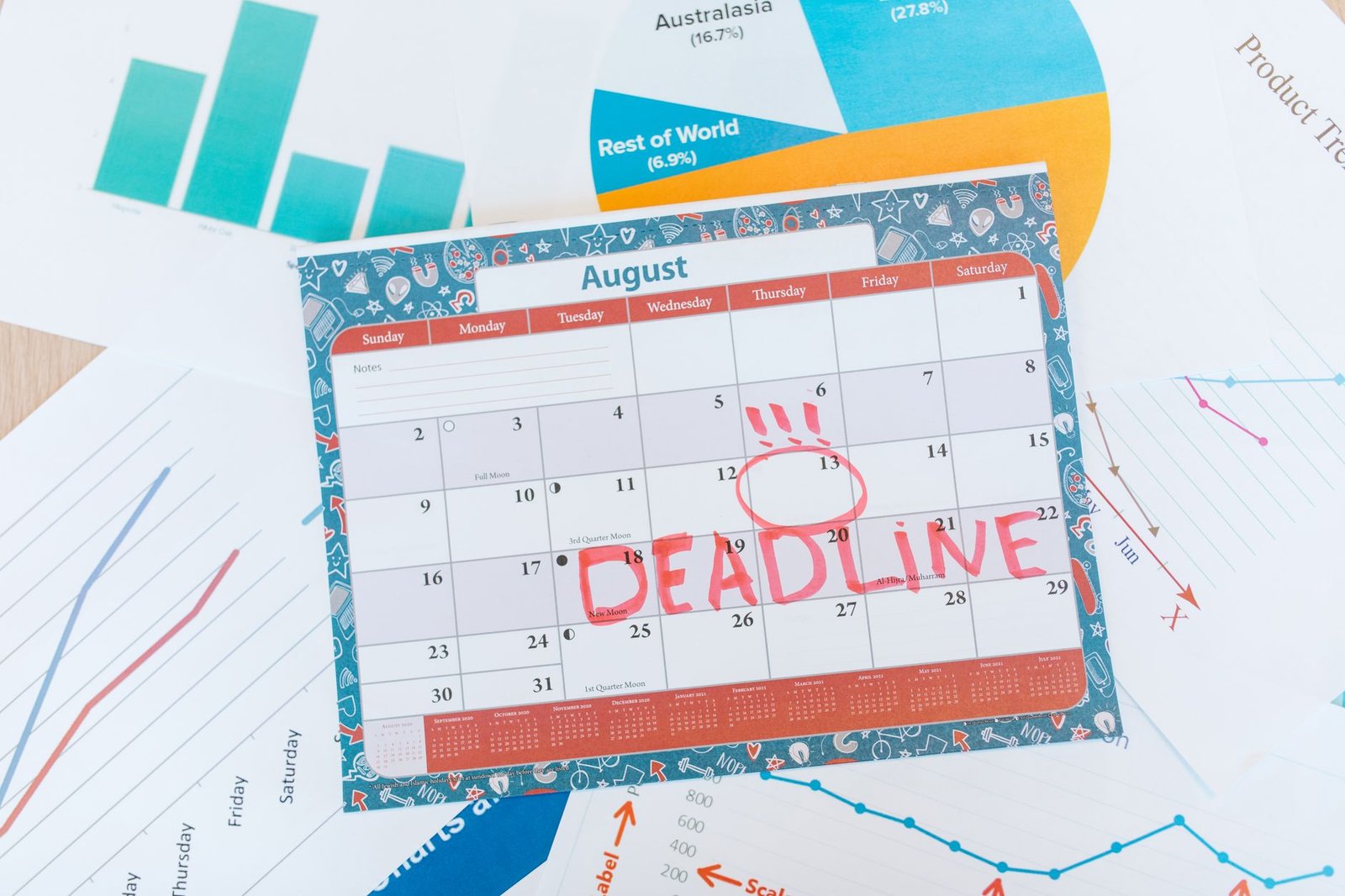
For most Indian businesses, a Zoho CRM implementation takes between 4 and 8 weeks from kickoff to go-live. That is the band the majority of projects fall into. The spread on either side is wide enough that it helps to map ranges to complexity rather than quoting a single number.
| Complexity | Typical timeline | What it looks like |
|---|---|---|
| Simple | 2 to 3 weeks | One sales team, standard modules, clean data, no integrations |
| Standard | 4 to 8 weeks | One or two teams, custom fields and workflows, one data source, light email and telephony integration |
| Complex | 8 to 12 weeks | Multiple departments, deep automation, several integrations, large or messy legacy data |
| Enterprise | 12 weeks and up | Many teams, custom Deluge logic, Books or Desk integration, phased department rollout |
How long does Zoho CRM take in your specific case depends less on the software and more on your data, your process clarity, and how quickly your team makes decisions. Zoho CRM itself can be configured fast. The work that fills the calendar is everything around it, and how much of it your team can carry in-house is part of deciding whether you need a Zoho consultant for the rollout.
Five factors decide where you land in those ranges. Knowing them up front lets you plan instead of react.
A standard rollout moves through six phases. Some overlap, which is how a well-run project compresses calendar time. The table below shows a typical standard-complexity schedule, and the notes that follow explain what happens in each block.
| Phase | Week(s) | Key output |
|---|---|---|
| Discovery and process mapping | Week 1 | Documented sales process, field list, requirement sign-off |
| Configuration | Week 2 to 3 | Modules, layouts, fields, roles and profiles built |
| Data migration | Week 3 to 4 | Cleaned data mapped, test import, validated final import |
| Automation and integration | Week 4 to 5 | Workflows, assignment rules, Books and telephony connected |
| Training | Week 5 to 6 | Role-based sessions, quick reference guides, admin handover |
| Go-live and hypercare | Week 6 onward | Live system, two-week support window, fixes and tuning |
The project starts by documenting how your sales actually works: lead sources, stages, owners, handoffs, and what reporting the management team needs. This is where a clear scope is set. Time spent here saves rework later, which is why our 47-task implementation checklist front-loads requirement gathering.
With the process mapped, the build begins. Modules, page layouts, custom fields, sales stages, roles, and profiles are set up to match your structure. Most of this is configuration rather than coding, so it moves quickly when requirements are locked.
This is the phase that surprises teams. Data has to be exported, cleaned, deduplicated, mapped to the new fields, test-imported, checked, then imported for real. Messy data is the most common reason this phase doubles in length.
Workflow rules, lead assignment, email alerts, and approval processes are built and tested. Integrations to Zoho Books, telephony, lead sources like IndiaMART, and your website forms are connected. Each integration needs its own test cycle.
Role-based training gets sales reps, managers, and admins comfortable before launch. Then the system goes live, followed by a hypercare window of one to two weeks where small fixes and adjustments are handled while the team settles in.
User count alone does not decide the timeline, but it correlates strongly with the complexity that does. Here is how two common project sizes typically play out.
| Aspect | 10-user rollout | 50-user rollout |
|---|---|---|
| Total timeline | 4 to 6 weeks | 8 to 12 weeks |
| Teams involved | Usually one | Often three or more |
| Roles and profiles | Simple, flat | Layered, with territory rules |
| Data volume | Thousands of records | Tens of thousands plus history |
| Training | One or two sessions | Staged, role-by-role over a week |
| Decision-making | One owner, fast | Multiple stakeholders, slower sign-off |
The 50-user project does not take longer because there are more seats to license. It takes longer because there are more processes to map, more approval flows to build, more data to clean, and more people who need to agree before anything is signed off. A 10-user team can often go live in a month when the owner is decisive and the data is in good shape.
Almost every delayed rollout traces back to a short list of causes, and the same patterns explain why implementations stall after go-live too. None of them are about Zoho CRM being slow to set up.
A pre-project Zoho CRM health check catches several of these before they cost you weeks, which is why we run one on existing setups before planning a migration or expansion.
You can compress a zoho crm rollout without cutting corners by removing the delays that have nothing to do with the software.
For a full picture of how scope and cost connect to the schedule, our Zoho CRM implementation guide walks through the whole process, and the Zoho CRM implementation cost breakdown shows how timeline and budget move together.
How long does Zoho CRM implementation take?
For most Indian SMBs, a Zoho CRM implementation takes 4 to 8 weeks. A simple single-team setup can go live in 2 to 3 weeks, while a multi-department rollout with integrations and data migration usually runs 8 to 12 weeks.
Can Zoho CRM go live in a week?
A basic Zoho CRM can be configured in a week if you have one sales team, clean data, no integrations, and standard modules. Most businesses need 4 weeks or more because data cleanup, automation, and user training take time that a one-week sprint cannot cover.
What is the longest phase of a Zoho CRM rollout?
Data migration and process mapping are usually the longest phases. Cleaning, deduplicating, and mapping legacy data from spreadsheets or an old CRM often takes one to two weeks on its own, and unclear processes can stretch discovery well beyond plan.
Does a 50-user Zoho CRM take longer than a 10-user one?
Yes. A 10-user rollout typically takes 4 to 6 weeks, while a 50-user rollout runs 8 to 12 weeks. The extra time comes from more roles and profiles, more approval flows, larger data volumes, and staged training rather than the user count alone.
How can I make my Zoho CRM go-live faster?
Assign a single decision-maker, clean your data before migration starts, lock the process scope for phase one, and prepare user accounts and email early. Phasing non-critical features into a second release also gets the core CRM live weeks sooner.
Aaxonix plans and delivers Zoho CRM rollouts for Indian SMB and mid-market teams with a clear, phased schedule that gets the core system live in 4 to 8 weeks. Book a free consultation and get a no-obligation timeline estimate for your own data, team size, and integrations.
Book a free consultationThe honest version of how long Zoho CRM takes is this: the software is rarely the bottleneck. Your data, your process clarity, and your decision speed set the pace. Plan for 4 to 8 weeks for a standard rollout, prepare your data and your owner early, and phase the extras. If you want a schedule built around your actual numbers, our Zoho implementation services team can scope it with you.
Tell us what you are working through and a senior architect from our team will get back to you with a straight answer, usually within a couple of working days. No bot, no hard sell.
A senior architect will get back to you at , usually within a couple of working days. Worth checking your spam folder, just in case.
Connect Zoho Desk with Slack for real-time ticket alerts, SLA breach escalations, channel-per-department routing, and…

NetSuite ERP helps Indian wholesale distributors manage multi-location inventory, purchase orders, customer pricing, and GST…

What a Zoho Creator implementation partner does, when to hire one, how to evaluate them,…
Tell us what you are actually trying to do. You will get a straight answer from a senior architect who has done this before, not a sales rep.
A senior architect will get back to you at , usually within a couple of working days. Worth checking your spam folder, just in case.
Ask it now and a senior architect will get back to you, usually within a couple of working days. It goes to our team, not a mailing list.
A senior architect will get back to you at , usually within a couple of working days. Worth checking your spam folder, just in case.