

Blog
How to Migrate Employee Data to Zoho People: A Complete HRMS Migration Guide
Step-by-step guide to migrating employee records, leave balances, payroll history, and documents from any HRMS…
14 min read
Read article →
A subscription business does not sell the same way a one-time vendor does. The contract starts the relationship instead of ending it, revenue arrives in small monthly slices, and the most important number on any deal is whether it renews next year. Most CRMs ship with a pipeline built for a single transaction, which is why a default install feels wrong the moment a SaaS team tries to use it. Setting up Zoho CRM for SaaS means reshaping the pipeline, the fields, and the reports around recurring revenue rather than fighting a tool that assumes the deal is done at signature. This guide walks through that configuration, from the trial funnel through MRR, churn, and the usage and billing data that make the whole picture accurate.
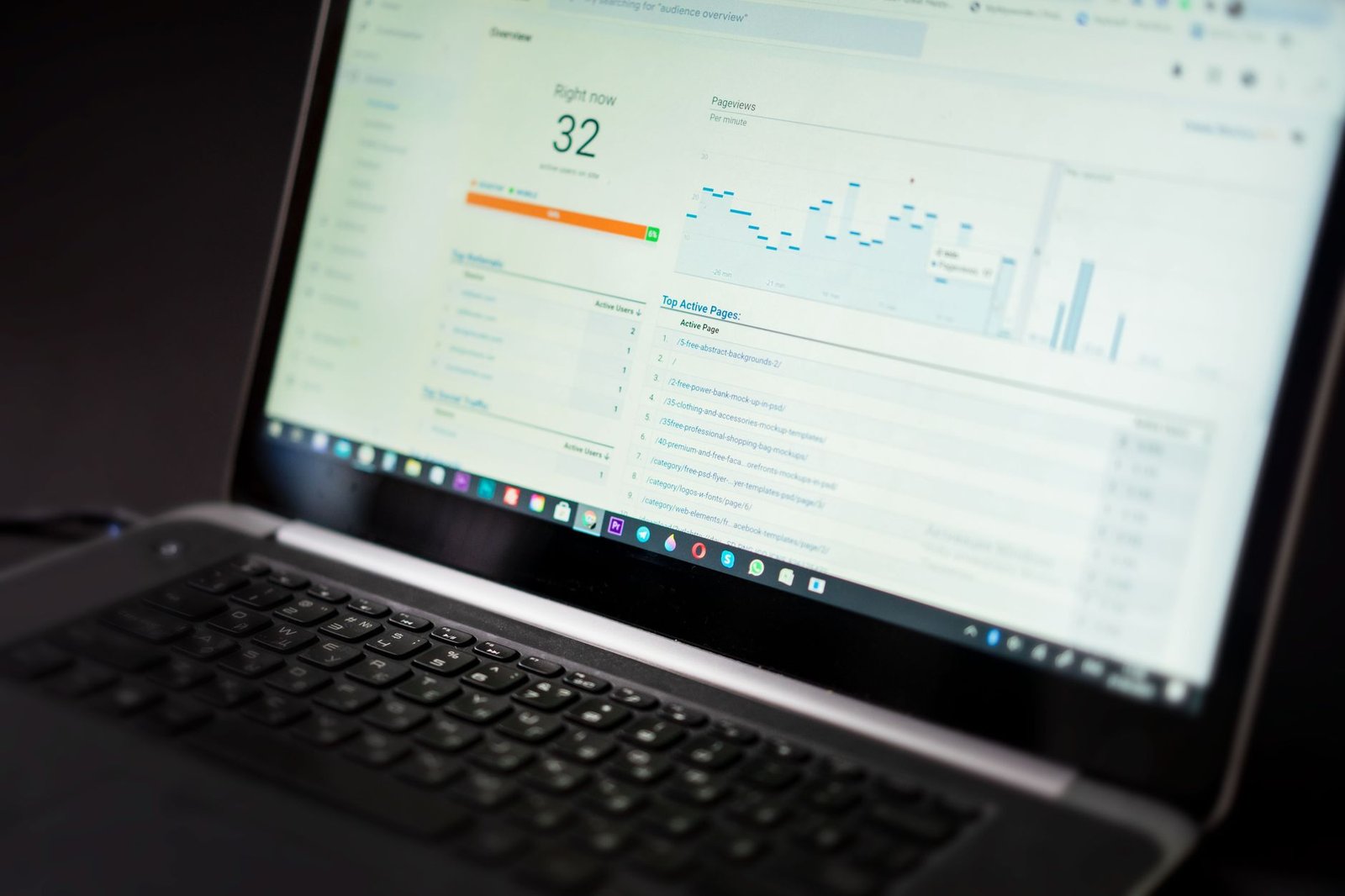
A SaaS sales motion has moving parts that a traditional CRM never accounts for. Trials convert on their own timeline, expansion revenue often dwarfs the original sale, and a renewal twelve months out matters as much as a new logo today. A CRM for SaaS companies has to hold all of that on a single record without forcing the team into spreadsheets on the side.
The practical requirements come down to a short list. The CRM needs to separate self-serve trials from sales-led deals so the funnel reflects how revenue actually enters the business. It needs custom fields for plan tier, monthly value, and renewal date because those drive every downstream report. It needs a way to receive product usage signals so the team can act on behaviour, not guesswork. And it needs to connect to whatever system handles money, so finance numbers and relationship data agree. Zoho CRM covers each of these through custom modules, automation, and integration rather than out of the box, which is why configuration matters more than the licence you buy.
If you are weighing platforms before committing, it helps to see how Zoho compares to HubSpot and Salesforce on subscription-specific features and total cost, since the gap between them narrows once you account for the add-ons each one needs to run a SaaS funnel.
The first change a SaaS team makes is splitting the pipeline. A self-serve trial that signs up from the website behaves nothing like an enterprise deal that runs through a salesperson, and mixing them produces conversion rates that mean nothing. In Zoho CRM you build two pipelines, or two layouts, so each path has stages that match its reality.
A self-serve trial pipeline tends to look like this:
The pivotal stage is product-qualified. A product-qualified lead, or PQL, is a trial user whose behaviour shows buying intent, not someone who filled in a contact form. You decide the threshold: three active users, a certain number of records created, or a feature that only serious evaluators reach. When the product reports that a trial crossed the line, Zoho CRM scores the record and routes it to a rep while lighter users stay in an automated track. This is where a thoughtful sales pipeline setup pays off, because the stage definitions decide which accounts a human ever touches.
For the trials that are not ready for a rep, scheduled nurture keeps them warm without manual work. Building an automated follow-up sequence inside Zoho CRM lets you send activation tips, expiry reminders, and upgrade prompts on a timeline tied to trial day, so the funnel keeps moving while sales focuses on the accounts that earned attention.
Once a trial converts, the record stops being a deal and becomes a subscription that has to be tracked over time. This is the part a standard CRM handles worst, and the part that defines whether Zoho CRM works for a subscription business. You need a place to store each active plan, its monthly value, its billing cycle, and its renewal date, and you need that data to update itself as plans change.
The common approach is a custom Subscriptions module linked to the account. Each subscription record holds the plan name, the seat count, the monthly recurring value, the term, and the next renewal date. Because one account can carry several subscriptions across products or teams, a separate module beats stuffing everything into account fields.
MRR is the headline metric, so it deserves a deliberate field. Store the normalized monthly value on each subscription, dividing annual plans by twelve so every plan reports on the same basis. A monthly plan at 90 USD and an annual plan at 1,080 USD both record 90 in the MRR field, which means a report can sum them honestly. Keep the figure current through your billing integration rather than manual edits, so an upgrade or a downgrade moves MRR the moment it happens rather than at month-end cleanup.

Churn is the quiet killer in any subscription model, and it is invisible to a CRM that only tracks new sales. A SaaS configuration of Zoho CRM treats every renewal as a deal that has to be worked, not an event that happens automatically.
The mechanism is a renewal pipeline. A workflow opens a renewal task a set number of days before each subscription’s renewal date, assigns it to the account owner, and puts the account into a stage that reflects renewal health. Now a renewal coming up in sixty days is visible on a board instead of buried in a date field nobody checks. Reps can see total MRR up for renewal this quarter and prioritise the accounts at risk.
Risk signals make this proactive. Pull three inputs onto the account: days to renewal, recent product usage trend, and payment status. An account with a renewal in forty-five days, declining usage, and a recently failed charge is one a success manager should call this week. You can encode this as a simple health score, red, amber, or green, driven by Zoho CRM workflow rules, so the team works from a ranked list rather than reacting to cancellation emails after the customer has already decided to leave.
Everything above depends on data the CRM cannot generate on its own. Usage lives in the product, money lives in the billing system, and Zoho CRM for SaaS is only as good as the pipes feeding it those two streams. Getting this integration right is what separates a CRM that reflects reality from one full of stale fields.
Decide which events matter and send only those into Zoho CRM. Logins per week, active seats, a key feature’s usage count, and activation milestones are usually enough. You do not want every click in the CRM, you want the handful of signals that predict expansion or churn. These arrive through the product’s backend calling the Zoho CRM API or through an integration layer, and they update fields the health score and PQL rules read from.
Money has to flow from a dedicated billing tool, not from manual entry on the CRM. Connecting Zoho CRM to a subscription billing platform pushes invoices, payments, plan changes, and failed charges onto the account. If you are choosing how to handle invoicing and dunning, the difference between recurring revenue billing options is worth understanding, because the billing tool becomes the system of record for every figure your MRR and churn reports depend on. The CRM holds the relationship and the renewal; the billing tool holds the truth about what was charged and paid.
Configuration only pays off when it produces reports the team trusts. With subscriptions, MRR, and usage data in place, Zoho CRM can show the metrics a SaaS business runs on instead of generic sales charts.
The reports worth building first are the ones that answer where revenue moves and why customers leave:
| Report | What it shows | Why it matters |
|---|---|---|
| New vs expansion MRR | Monthly recurring revenue split by new logos and growth from existing accounts | Reveals whether growth comes from acquisition or retention |
| Churned MRR | Recurring revenue lost to cancellations and downgrades per month | Quantifies the leak the renewal pipeline is meant to close |
| Renewal forecast | MRR up for renewal in the next quarter by health score | Prioritises which at-risk accounts to work first |
| LTV by plan | Average revenue per account over its lifetime, grouped by plan tier | Shows which segments are worth more acquisition spend |
Lifetime value, or LTV, is the metric that ties the others together. With MRR per account and an average customer lifespan derived from churn, Zoho CRM can estimate LTV by segment, which tells you how much you can afford to spend winning each type of customer. A self-serve plan with a short lifespan and a low monthly value justifies very different acquisition economics from an enterprise account that stays for years. Reporting on LTV by plan turns the data from earlier sections into decisions about where to put marketing and sales effort.
Is Zoho CRM good for SaaS companies?
Yes. Zoho CRM works well for SaaS companies because it can model a trial-to-paid funnel, score product-qualified leads from usage signals, and track recurring revenue once it is connected to a billing tool. It supports custom modules for subscriptions, custom fields for MRR and plan tier, and automation for renewals and dunning follow-up. The main work is configuration: a default CRM assumes a one-time sale, so you adapt the pipeline, fields, and reports to a subscription model before it fits a SaaS team.
How do you track MRR in Zoho CRM?
Track MRR in Zoho CRM by storing the normalized monthly value of each active subscription on the account or a custom subscription module, then summing it in a report grouped by month, plan, or segment. Annual plans are divided by twelve so every plan reports on the same monthly basis. Keep the field updated through your billing integration rather than manual entry, so upgrades, downgrades, and cancellations move the number automatically. From there you can build new MRR, expansion MRR, and churned MRR views.
What is a product-qualified lead in CRM terms?
A product-qualified lead, or PQL, is a trial or freemium user who has shown buying intent through how they use the product rather than through a form fill or a sales conversation. In CRM terms, a PQL is a record that crosses a usage threshold you define, such as inviting teammates, hitting an activation milestone, or reaching a usage limit. The CRM receives those signals from the product, scores the record, and routes the strongest accounts to sales while lighter users stay in automated nurture.
Can Zoho CRM handle subscription billing?
Zoho CRM does not bill customers directly, but it connects to Zoho Billing and other subscription tools so invoices, payments, plan changes, and failed charges appear on the CRM record. The billing tool remains the system of record for money, while the CRM holds the relationship, the renewal date, and the health signals. This split keeps finance data accurate and gives sales and success teams the context they need without switching apps.
How does Zoho CRM help reduce churn?
Zoho CRM helps reduce churn by surfacing renewal dates, usage decline, and failed payments early enough to act. You can build a renewal pipeline that opens a task before each contract date, automate dunning follow-up when a payment fails, and flag accounts whose product usage drops below a threshold. Combined with a health score on each account, these signals let success teams reach at-risk customers before the cancellation rather than after it.
Aaxonix configures Zoho CRM for SaaS and subscription businesses, building the trial-to-PQL pipeline, MRR and churn reporting, and the usage and billing integrations that make it accurate. Book a free consultation and get a no-obligation review of how your current setup maps to a subscription model.
Book a free consultationA SaaS business asks more of its CRM than a one-time seller ever will, and Zoho CRM for SaaS can meet that demand once the pipeline, fields, and integrations are shaped around recurring revenue. Start with the trial split and the subscription module, wire in usage and billing data, then build the MRR, churn, and LTV reports on top. Each layer makes the next one accurate, and the result is a system that shows not just what you sold but what you are likely to keep.
Tell us what you are working through and a senior architect from our team will get back to you with a straight answer, usually within a couple of working days. No bot, no hard sell.
A senior architect will get back to you at , usually within a couple of working days. Worth checking your spam folder, just in case.
Step-by-step guide to migrating employee records, leave balances, payroll history, and documents from any HRMS…

Use our free CRM Readiness Score tool to check if your business is prepared for…

Configure Zoho Inventory batch tracking and serial numbers with FEFO picking, expiry alerts, and compliance…
Tell us what you are actually trying to do. You will get a straight answer from a senior architect who has done this before, not a sales rep.
A senior architect will get back to you at , usually within a couple of working days. Worth checking your spam folder, just in case.
Ask it now and a senior architect will get back to you, usually within a couple of working days. It goes to our team, not a mailing list.
A senior architect will get back to you at , usually within a couple of working days. Worth checking your spam folder, just in case.