

Blog
UAE E-Invoicing and VAT Groups: What the Grace Period Means for NetSuite
The UAE 24-month intra-VAT group grace period is narrower than most assume. Find out what…
11 min read
Read article →
General contractors, specialty subcontractors, and infrastructure firms share a problem that most CRM and accounting vendors don’t acknowledge: their business doesn’t run on the same data model as a product company. A construction business wins bids, not sales orders. Revenue arrives in milestone tranches, not invoices at delivery. Costs are tracked per job site, not per product SKU. The moment you try to run a project-based construction operation through a generic CRM and a standard accounts package, you start building workarounds rather than managing work.
Zoho CRM for contractors, used alongside Zoho Books, Zoho Projects, and Zoho FSM, maps much more cleanly onto construction workflows than most operators expect. This guide covers how each app fits the construction context and how they connect as a single stack under Zoho One. (If you’re running a construction business in India and need specifics on GST billing and local compliance, see the separate guide on Zoho for construction firms in India. This post focuses on US, UK, and Australian contractors.)

Most CRM platforms are built around a simple model: a prospect becomes a customer, and a deal closes when they pay. For a SaaS company or a product retailer, that model is accurate. For a general contractor, it collapses at the first bid.
Construction pipelines have at least four properties that break generic CRM deal stages:
These aren’t edge cases. They’re standard construction commercial practice. The Zoho stack handles all four when configured for construction, which is what the sections below walk through.
The starting point for zoho crm for contractors is restructuring the default deal pipeline to reflect how bids actually move from first contact to contract award.
A practical set of stages for a general contractor looks like this:
Each stage can trigger a Zoho Flow automation. At “Estimate sent,” for example, Flow can create a follow-up task in CRM seven days out and send the estimator a reminder if the deal hasn’t moved in 14 days.
Zoho CRM’s address fields on the Contact and Account records are designed for billing addresses. Construction needs a separate site address (which may differ from the client’s office), the site foreman’s contact details, and the local authority reference for planning permission. Use CRM custom fields or a related custom module called “Project Sites” to store this data against each deal record. When the bid converts to a project, those fields map across to Zoho Projects.
Most bids involve soliciting quotes from subbies for specialist packages. Create a related list on the Deals module called “Subcontractor Quotes,” with fields for trade category, subcontractor name, quoted amount, and quote status. This keeps all the pricing inputs for a bid in one place and gives the estimator a clear view of which subbies have responded before the estimate goes out.
Construction billing is not one invoice per job. It’s a sequence of progress claims, a retention line that accumulates across those claims, and variation invoices that appear whenever scope changes. Zoho Books handles all three when set up correctly.
In Zoho Books, create a project for each construction job and link it to the client. Within that project, define milestones that correspond to your contract’s payment schedule: mobilisation (10%), substructure complete (20%), structure complete (30%), fit-out complete (25%), practical completion (10%), final retention release (5%). Each milestone triggers an invoice for the corresponding percentage of the contract sum. The client sees itemised progress claims; your accounts team sees the cumulative amount billed versus the contract value.
Set up a retention holding account in your Zoho Books chart of accounts. On each progress claim, deduct the retention percentage as a line item credit (reducing what the client pays now) and post that amount to the retention account. When you reach practical completion, raise a retention release invoice pulling from that account. This keeps your accounts receivable accurate throughout the job and prevents the retention balance from hiding in your aged debtors.
Create a separate item category in Zoho Books for variation orders. When a VO is approved, raise a standalone invoice referencing the VO number and the original contract. This creates a clear audit trail separating original scope billing from additions, which matters for client disputes and for your own job profitability analysis.
Use Zoho Books Bills to record subcontractor invoices against the relevant job. Tag each bill with the project so subcontractor costs roll up into the job’s cost summary. You can then compare the “subcontractor quotes” from CRM against the actual bills paid in Books to see where your estimating was accurate and where it wasn’t.
| Contract Type | How Billing Works | Zoho Books Approach |
|---|---|---|
| Fixed price (lump sum) | Client pays milestones regardless of actual cost | Milestone invoices as % of lump sum |
| Cost-plus (reimbursable) | Client pays actual costs plus a margin | Time and expenses tracked in project, billed monthly from actuals |
| Schedule of rates | Client pays per measured unit (m2, linear metre) | Quantity-based line items on each progress claim |
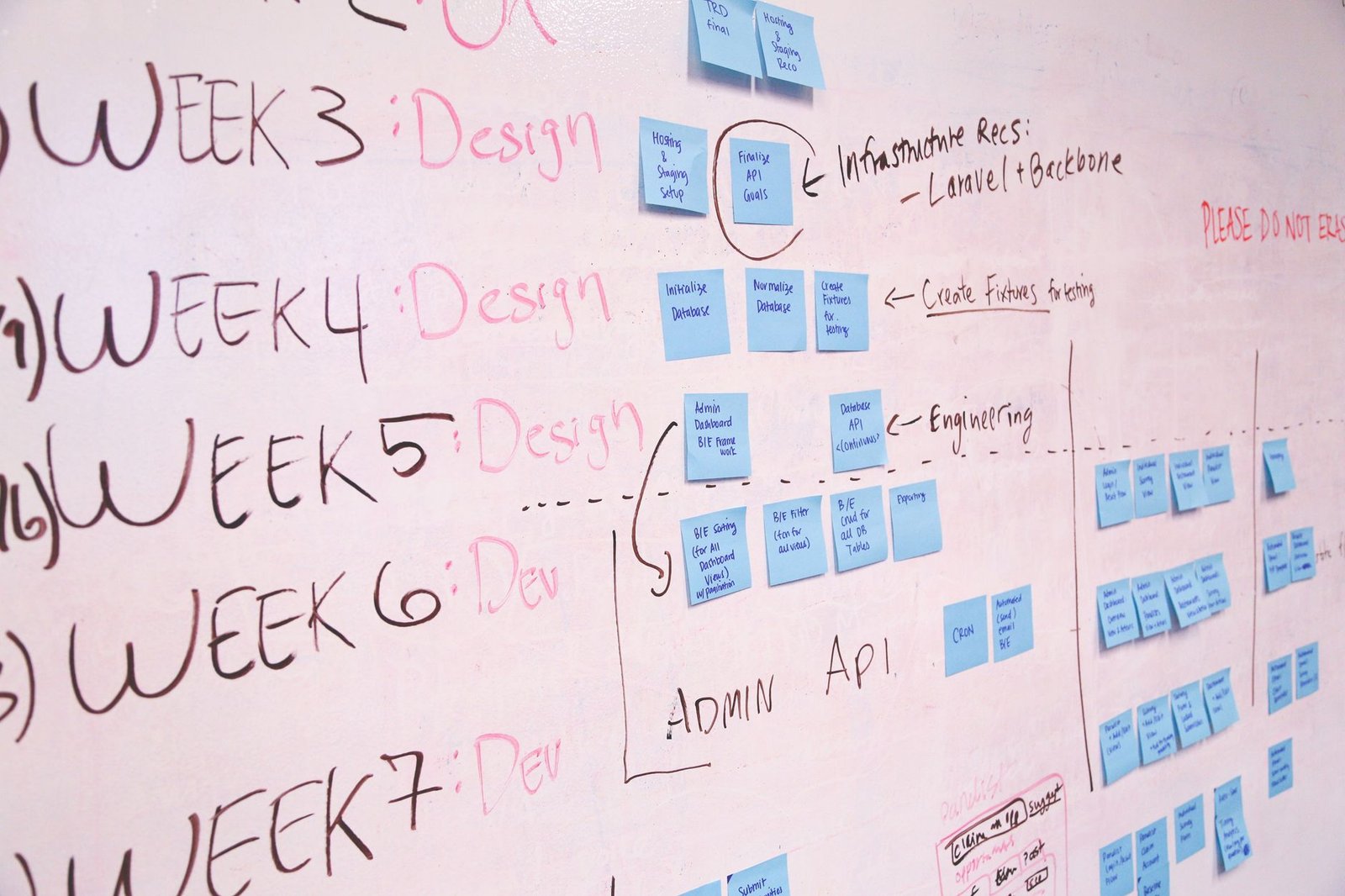
Once a bid converts to a live contract, the project management work begins. Zoho Projects for project scheduling and delivery gives construction teams a Gantt chart, task dependencies, milestone tracking, and file storage, all of which map directly onto how sites are run.
Construction sequences are dependency-heavy: ground preparation must finish before foundation pour, foundation pour must cure before superstructure begins, superstructure must be watertight before internal fit-out starts. Set these as finish-to-start dependencies in Zoho Projects’ Gantt view. When the ground prep task slips by a week, the Gantt automatically pushes every downstream task, giving the project manager an updated programme without manual recalculation.
Create a task list template called “Practical Completion Checklist” with standard snag categories: structural defects, mechanical and electrical snagging, finishes, external works, commissioning certificates. Assign each snag item to the responsible trade, set a due date, and track completion before the handover certificate is issued. The checklist becomes your evidence of systematic completion management, which matters when retention release is contingent on a signed-off snag list.
Each project in Zoho Projects has a Files tab. Organise folders by discipline: Architectural, Structural, Services, Specifications, Subcontractor Packages. Upload the issued-for-construction drawings here so site staff always have the current revision. Version control in Zoho Projects tracks who uploaded what and when, giving you a document audit trail alongside the programme.
Zoho FSM (Field Service Management) was built for service businesses that dispatch technicians to client locations. General contractors and specialty subcontractors fit that profile precisely: you’re scheduling people and equipment to site locations on a daily and weekly basis.
Use Zoho FSM’s dispatch board to schedule site inspections, trade visits, and material deliveries. Each service appointment links to the client, the site address, and the relevant project. The FSM calendar gives the operations manager a single view of who is going where on any given day, which site vehicles are allocated, and which jobs are running concurrently.
When a trade completes a stage of work, the site supervisor or client representative can sign directly in the Zoho FSM mobile app. That signature is attached to the work order record with a timestamp, creating the documentary evidence needed for progress claim submission. No paper completion forms, no chasing signatures days after the fact.
Tag plant and equipment in Zoho FSM’s asset module. When a concrete pump, scaffold set, or specialist tool is allocated to a site, the FSM record tracks which job it’s on, when it arrived, and when it’s due back. This matters for both internal plant hire cost allocation and for managing subcontractor-supplied equipment across multiple active sites.
Post-handover defects reported by clients are a volume communication problem. Clients send emails, make phone calls, and submit snag lists in varying formats. Connecting Zoho Desk to a dedicated post-completion email address (something like defects@yourcompany.com) converts every inbound report into a tracked ticket. Assign the ticket to the relevant trade supervisor, set a target response time, and track closure. Your defects liability period is managed as a support queue, not as a scattered email thread.
When a variation order is raised, it typically needs approval from the client before work proceeds and cost is incurred. Build a Zoho Flow automation that triggers when a VO record is created in CRM: send the VO details to the client contact via email, create an approval task for the contract manager, and block the VO invoice in Zoho Books until the approval is marked complete. This prevents work being done on unapproved variations, which is a common source of disputed invoices.
Use Flow to send automated reminder emails to the client and the site foreman 48 hours before a scheduled site inspection or milestone sign-off meeting. Pull the meeting date from the relevant Zoho Projects milestone or Zoho FSM appointment. The automation reduces no-shows and keeps the project programme moving without the project manager manually chasing confirmations.
The case for running zoho for construction companies on Zoho One is that the individual apps connect at the points where construction workflows hand off between phases, eliminating the double-entry that kills time in disconnected tool setups.
When a deal in Zoho CRM moves to “Bid Won,” a Flow automation creates the corresponding project in Zoho Projects, pre-populating the project name, client, site address, and contract value from the CRM deal record. The project manager inherits a project shell with the correct client data already in place, rather than re-entering everything from the award letter.
Zoho Projects timesheets feed into Zoho Books for cost-plus billing. When a task is marked complete and the hours are logged, Books can pull those hours into the next progress invoice at the agreed day rate. For fixed-price contracts, the milestone completion in Projects triggers the invoice creation in Books. Either way, the billing event in Books is driven by confirmed delivery in Projects, not by a manual reminder to the accounts team.
For specialty contractors billing on completion of discrete work packages, a signed-off work order in Zoho FSM can trigger invoice creation in Zoho Books via Flow. The work order details populate the invoice line items, and the client signature on the FSM completion certificate is the authorisation for billing. This is particularly useful for mechanical and electrical contractors who complete multiple small packages across a job.
| Trigger | From App | To App | What Gets Created |
|---|---|---|---|
| Bid Won in CRM | Zoho CRM | Zoho Projects | Project record with client and contract data |
| Milestone marked complete | Zoho Projects | Zoho Books | Progress invoice for that milestone percentage |
| Work order signed off | Zoho FSM | Zoho Books | Invoice for completed work package |
| Variation order approved | Zoho CRM / Flow | Zoho Books | VO invoice unlocked for billing |
| Client defect reported | Email / Zoho Desk | Zoho Desk ticket | Tracked defect assigned to trade supervisor |
The Zoho One subscription gives you all of these apps under a single per-user fee, which makes the connected stack financially viable even for contractors running 10-20 staff. The configuration work is front-loaded, but once the handoffs are automated, the operational saving on admin time is substantial across a year of active projects.
Can Zoho CRM handle retention billing for construction projects?
Zoho CRM itself doesn’t handle billing, but Zoho Books does. The workflow is to track the retention percentage in the Books project setup, deduct it as a credit line on each progress invoice, and accumulate it in a dedicated retention liability account. A retention release invoice is raised at practical completion. Zoho CRM holds the contract and bid data; Zoho Books manages the billing mechanics.
How do variation orders work across the Zoho stack?
The recommended approach is to create variation order records as a related list on the CRM deal (or as a custom module). When a VO is approved via a Flow automation, it creates a corresponding invoice in Zoho Books tagged to that project. This keeps the original contract billing and VO billing separated in your accounts, which matters for profitability analysis and for resolving any client disputes about scope additions.
Does Zoho Projects support construction Gantt charts with dependencies?
Yes. Zoho Projects includes a Gantt chart view with finish-to-start, start-to-start, finish-to-finish, and start-to-finish dependency types. When a predecessor task is delayed, dependent tasks shift automatically. You can also set baseline dates to compare the original programme against current progress, which is standard practice for construction programme management.
Is Zoho FSM suitable for general contractors, or only for service businesses?
Zoho FSM is built for any business dispatching field staff to client locations on a scheduled basis, which describes most trade contractors. General contractors managing multiple subbies and site inspections can use it for their own staff scheduling and site visit management. Specialty subcontractors (plumbing, electrical, HVAC) typically get more value from it because their work pattern, recurring site visits and per-visit billing, matches the FSM model closely.
What does a Zoho One subscription cost for a construction business?
Zoho One is priced per employee per month (all-employee pricing) or per active user (flexible pricing). Because it bundles over 45 apps including CRM, Books, Projects, FSM, Desk, and Flow, the per-app cost works out considerably lower than licensing each product separately. For a construction firm with 10-30 staff, Zoho One typically replaces three to five separate software subscriptions. Check the Zoho website for current regional pricing in USD, GBP, and AUD.
Configuring Zoho CRM for contractors requires different pipeline stages, custom modules, and cross-app automations than a standard Zoho setup. Aaxonix implements Zoho One for construction businesses across the US, UK, and Australia, building the bid-to-invoice workflow from the ground up.
Book a free consultationConstruction businesses that run their operations on a connected Zoho stack stop entering the same job data three or four times across separate tools. The bid record in CRM becomes the project record in Projects, which drives the invoice in Books, which is backed by signed completion certificates from FSM. The admin overhead that typically accumulates between those handoffs is what the automation eliminates. That’s a practical outcome, not a theoretical one, and it’s achievable without custom software development.
Tell us what you are working through and a senior architect from our team will get back to you with a straight answer, usually within a couple of working days. No bot, no hard sell.
A senior architect will get back to you at , usually within a couple of working days. Worth checking your spam folder, just in case.
The UAE 24-month intra-VAT group grace period is narrower than most assume. Find out what…

Zoho for Indian NBFCs: loan origination in Creator, KYC management, EMI tracking, collection workflows, RBI…

Set up Zoho CRM for Indian manufacturers: dealer and distributor accounts, IndiaMart leads, GST quotes,…
Tell us what you are actually trying to do. You will get a straight answer from a senior architect who has done this before, not a sales rep.
A senior architect will get back to you at , usually within a couple of working days. Worth checking your spam folder, just in case.
Ask it now and a senior architect will get back to you, usually within a couple of working days. It goes to our team, not a mailing list.
A senior architect will get back to you at , usually within a couple of working days. Worth checking your spam folder, just in case.