

Blog
UAE E-Invoicing and VAT Groups: What the Grace Period Means for NetSuite
The UAE 24-month intra-VAT group grace period is narrower than most assume. Find out what…
11 min read
Read article →
Zoho Campaigns is Zoho’s Zoho Campaigns email marketing setup platform. For Indian businesses that want to send newsletters, product announcements, drip sequences, and event invitations to their mailing list, Zoho Campaigns handles list management, email design, sending, and analytics.

For related guidance, see our Zoho Desk setup guide.
For related guidance, see our Zoho implementation consulting.
Sync contacts from Zoho CRM to Zoho Campaigns. Create segments based on CRM fields (industry, deal stage, location). Track which leads engage with your emails and push engagement scores back to CRM. The sales team sees email activity directly on the lead record.
Common automation sequences for Indian businesses:
Email deliverability depends on sender reputation. Zoho Campaigns uses dedicated IP addresses, SPF/DKIM authentication, and bounce handling to maintain delivery rates. For Indian businesses sending to Indian email providers (Rediffmail, corporate domains on Indian hosting), Zoho’s infrastructure delivers reliably from India-region servers.
Zoho Campaigns has a free plan for up to 2,000 contacts and 6,000 emails per month. Paid plans start at Rs. 200/month based on contact count. For companies on Zoho One India guide for Indian SMBs, Campaigns is included.
Zoho Campaigns allows you to build contact lists by importing from CSV, syncing from Zoho CRM, or using Zoho Forms to capture new subscribers. For Indian businesses, the most efficient path is syncing from Zoho CRM so that your marketing list and sales CRM stay automatically aligned. Contacts added to a specific CRM list or meeting a saved search criteria flow into Zoho Campaigns without manual export-import cycles.
Segmentation is where Zoho Campaigns adds measurable value over a basic email tool. You can segment contacts by industry, city, company size, product interest, or past campaign engagement. A manufacturing company in Pune might send one email campaign to prospects in the automotive sector and a different campaign to prospects in pharmaceuticals, even though both lists come from the same Zoho CRM import. The personalisation this enables consistently improves open and click rates.
To create a campaign, go to Campaigns > Email > New Campaign. Choose Regular Campaign for a one-time send or Autoresponder for a triggered sequence. Select your contact list or segment, then choose a template from Zoho Campaigns’ library or build one using the drag-and-drop editor.
Key settings before sending: set the From Name to a person’s name rather than a company name (for example, “Amit from Aaxonix” rather than “Aaxonix Tech”), write a subject line under 50 characters with the main benefit upfront, and enable personalisation to insert the recipient’s first name. Schedule the send for Tuesday or Wednesday morning between 9 and 11 AM IST, which historically performs well for B2B emails in India.
Run a preview test to 5 to 10 internal email addresses before the full send. Check that the email renders correctly in Gmail, Outlook, and on mobile. Zoho Campaigns includes a spam score checker that flags common spam trigger words before you send.
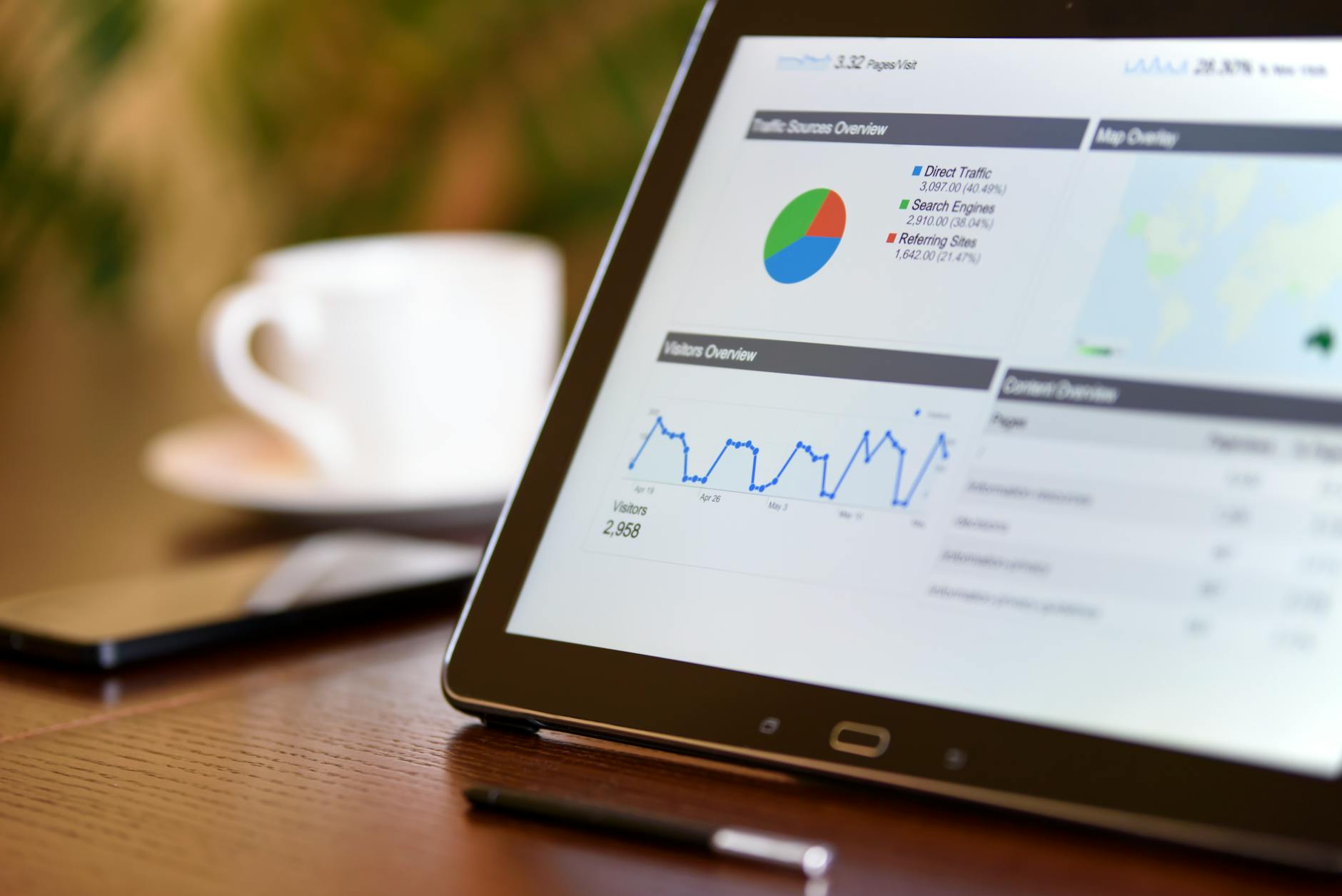
After the campaign sends, Zoho Campaigns provides a real-time report: sent count, delivered count, open rate, click rate, bounces, and unsubscribes. For a B2B email list in India, benchmark open rates of 20 to 30% and click rates of 2 to 5% are typical. Below these numbers, test subject line variations and sending time.
Indian email marketing must comply with the Information Technology Act and TRAI guidelines. Every campaign must include a physical mailing address and a working unsubscribe link. Zoho Campaigns adds these automatically to every email. Contacts who click Unsubscribe are removed from future campaigns immediately and are not included in list exports unless explicitly requested for compliance records. Do not re-add unsubscribed contacts to active lists.
Yes. The integration is two-way. Campaign engagement data (opens, clicks, and unsubscribes) flows back into Zoho CRM as activity records on the lead or contact. Sales reps can see which marketing emails a prospect opened before they call. You can also trigger Zoho CRM workflows based on campaign engagement, for example, assigning a task to a sales rep when a lead clicks on a pricing page link in an email.
Yes. Zoho Campaigns supports WhatsApp Business messaging as a channel alongside email and SMS. You can run WhatsApp campaigns to contacts who have opted in, using approved message templates. This is particularly useful for transactional notifications (order confirmations, appointment reminders) and promotional campaigns to existing customers in India, where WhatsApp open rates are significantly higher than email.
Zoho Campaigns pricing is based on contact list size for the subscriber plan, or on email volume for the email credits plan. For a list of 10,000 contacts with unlimited emails per month, the subscriber plan costs approximately Rs 3,600 per month. If you send fewer than 50,000 emails per month across a larger list, the email credits plan may be more economical. There is also a free plan for lists up to 2,000 contacts with up to 6,000 emails per month.
The UAE 24-month intra-VAT group grace period is narrower than most assume. Find out what…

High DSO drains cash flow. Discover proven tactics to reduce days sales outstanding, automate your…

Step-by-step guide to migrating from Sage 50, Sage One, or Sage Business Cloud to Zoho…
Our team builds systems that actually work. No fluff, just honest architecture and clean implementation.