

Blog
Freshdesk to Zoho Desk Migration: Move Your Support Tickets Without Downtime
Moving from Freshdesk to Zoho Desk? This step-by-step guide covers data export, ticket migration, SLA…
18 min read
Read article →
Collecting payments through a custom portal is a common requirement for Indian businesses running training programmes, membership services, event registrations, or subscription-based products. Zoho Creator combined with Razorpay gives you a way to build a fully branded payment collection portal without writing a separate web application. The Zoho Creator low-code platform handles form design, business logic, and record management, while Razorpay processes payments across UPI, cards, netbanking, and wallets. This guide walks through the complete Zoho Creator Razorpay integration, from Razorpay account setup through GST-compliant receipt generation, with working Deluge code you can deploy in your own Creator applications.
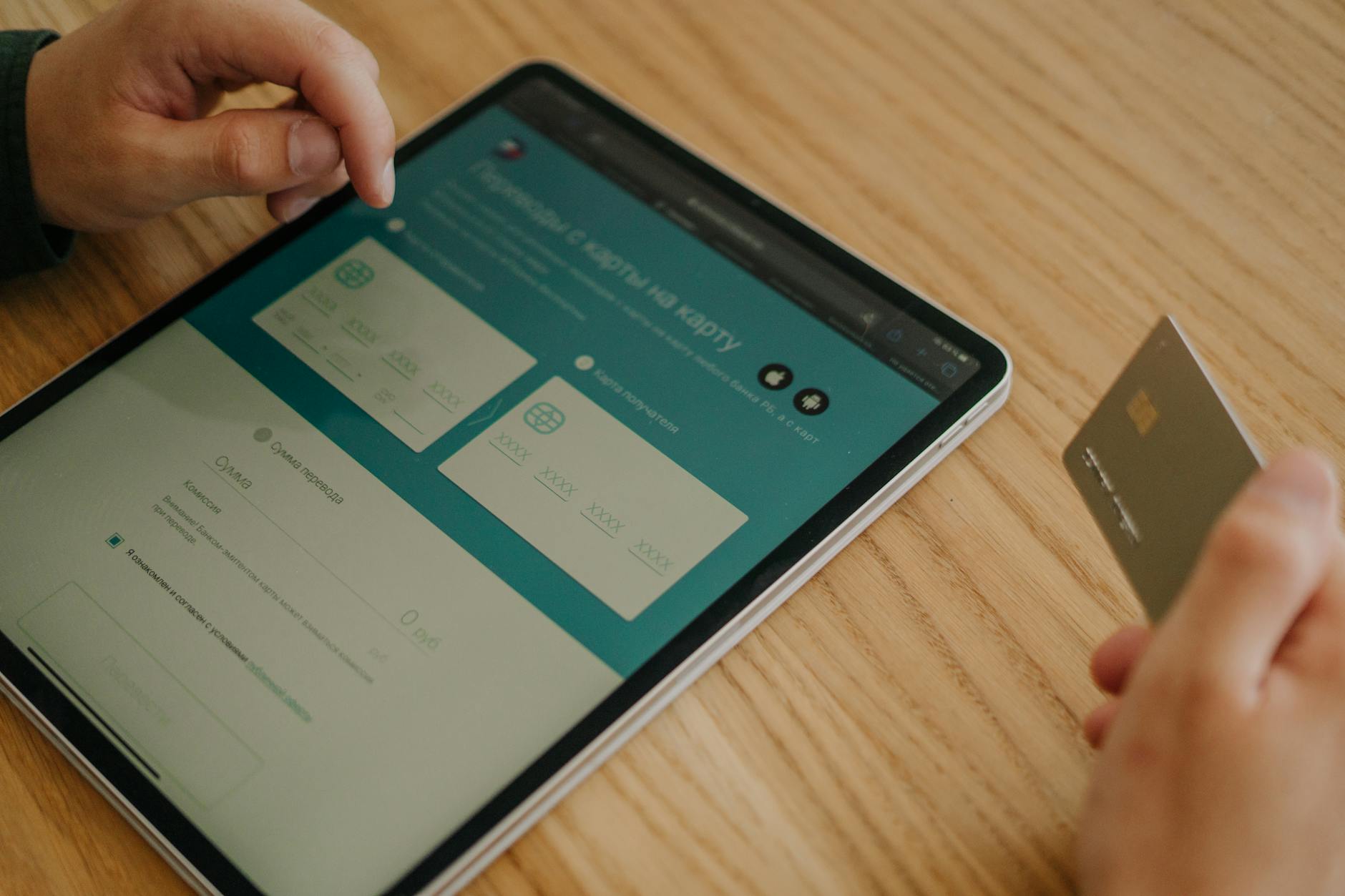
Razorpay processes over 300 million transactions per year across Indian businesses and supports every major payment method used in India: UPI (including UPI AutoPay for recurring charges), credit and debit cards, netbanking across 50+ banks, and wallets like Paytm, PhonePe, and Amazon Pay. Zoho Creator connects to Razorpay through Zoho Checkout, which handles PCI DSS compliance and tokenisation so your Creator application never touches raw card data.
The combination matters for three reasons. First, Creator lets you build forms and workflows that match your exact business process, not a generic checkout page. Second, Razorpay’s webhook system pushes real-time payment confirmations back into Creator, so your records update the moment a payment succeeds or fails. Third, both platforms support INR natively with GST-aware invoicing, which means you can generate compliant receipts without a third-party accounting tool.
Compared to embedding a standalone Razorpay payment link on a website, the Creator approach gives you a single system for collecting the payment, storing customer data, triggering follow-up actions (email confirmations, access provisioning, record updates), and generating GST invoices, all within one application.
Before building the payment portal, you need both accounts configured correctly.
The email address on your Zoho account and Razorpay account must match. If they differ, the OAuth handshake will fail silently.
A well-structured Creator form collects customer details and payment information in a single step. Here is a recommended form structure for a typical Indian payment portal.
| Field Name | Field Type | Purpose |
|---|---|---|
| Customer Name | Name | Full name for receipt and records |
| Payment confirmation delivery | ||
| Phone | Phone | SMS notifications, UPI fallback |
| Service/Product | Dropdown | Links to pricing lookup |
| Amount (INR) | Currency | Auto-populated from service selection |
| GSTIN (Optional) | Single Line | For B2B invoices with GST breakup |
| Payment Status | Dropdown | Pending / Paid / Failed / Refunded |
| Razorpay Payment ID | Single Line | Populated via webhook on success |
| Transaction Date | Date-Time | Auto-set on payment confirmation |
Set the Payment Status field default to “Pending” and make it read-only for end users. The Razorpay Payment ID and Transaction Date fields should be hidden on the public form and populated only through workflow automation.
Use a Deluge on-change script on the Service/Product dropdown to auto-calculate the amount including GST:
// On change of Service dropdown
serviceRate = ifnull(input.Service_Product.lookup("decimal","Rate"), 0.00);
gstRate = 0.18; // 18% GST for most services
gstAmount = serviceRate * gstRate;
totalAmount = serviceRate + gstAmount;
input.Amount_INR = totalAmount;
Zoho Creator uses Zoho Checkout as the payment processing layer. You do not embed Checkout.js directly into Creator forms. Instead, you create a payment workflow that triggers when a form is submitted.
When a customer submits the form, Creator redirects them to a Razorpay-hosted checkout page. After payment, Razorpay redirects the customer back to your Creator application with the payment status. The entire PCI compliance burden stays with Razorpay and Zoho Checkout.
After Razorpay processes the payment, the response flows back into Creator. Use a Deluge script in the payment workflow’s success handler to update records:
// Payment success handler
paymentId = zoho.checkout.getPaymentId();
orderId = zoho.checkout.getOrderId();

// Update the record
update Payment_Collection
[
  Payment_Status = "Paid",
  Razorpay_Payment_ID = paymentId,
  Transaction_Date = zoho.currenttime
]
where ID == input.ID;

// Send confirmation email
sendmail
[
  from: zoho.adminuserid
  to: input.Email
  subject: "Payment Confirmed - " + input.Service_Product
  message: "Dear " + input.Customer_Name + ",

Your payment of INR " + input.Amount_INR + " has been received. Payment ID: " + paymentId + "

Thank you."
];The redirect-based flow works for most cases, but webhooks provide a more reliable confirmation mechanism. If a customer closes the browser after paying but before the redirect completes, the webhook still delivers the payment status to your Creator application.
payment.captured, payment.failed, and refund.processed.Create a custom API endpoint using Zoho’s webhook capabilities in Creator to process incoming Razorpay events:
// Custom API: razorpay_webhook (POST)
payload = zoho.request.getBodyAsString();
jsonPayload = payload.toMap();

eventType = jsonPayload.get("event");
paymentEntity = jsonPayload.get("payload").get("payment").get("entity");
razorpayPaymentId = paymentEntity.get("id");
amount = paymentEntity.get("amount") / 100; // Razorpay sends amount in paise
status = paymentEntity.get("status");

if(eventType == "payment.captured")
{
  // Find and update the record
  records = Payment_Collection[Razorpay_Payment_ID == razorpayPaymentId];
  if(records.count() > 0)
  {
    rec = records.first();
    rec.Payment_Status = "Paid";
    rec.Transaction_Date = zoho.currenttime;
  }
}
else if(eventType == "payment.failed")
{
  records = Payment_Collection[Amount_INR == amount && Payment_Status == "Pending"];
  if(records.count() > 0)
  {
    rec = records.first();
    rec.Payment_Status = "Failed";
  }
}
Always verify the webhook signature before processing. Razorpay signs each webhook payload with your webhook secret using HMAC SHA256. Compare the signature from the X-Razorpay-Signature header against your computed hash to prevent spoofed requests.
Indian businesses registered under GST must issue tax invoices or receipts that include specific fields per the GST Council requirements: GSTIN of the supplier, HSN/SAC code, place of supply, and CGST/SGST or IGST breakup depending on whether the transaction is intra-state or inter-state.
In Zoho Creator, you can generate GST-compliant receipts using the Document Builder or through a Zoho Books integration for GST returns and invoicing. Here is a Deluge script that generates a receipt record with the correct GST breakup:
// After payment confirmation
supplierState = "Maharashtra"; // Your business state
customerState = input.State;
baseAmount = input.Amount_INR / 1.18; // Reverse-calculate base from GST-inclusive amount
gstAmount = input.Amount_INR - baseAmount;

if(customerState == supplierState)
{
  cgst = gstAmount / 2;
  sgst = gstAmount / 2;
  igst = 0;
  gstType = "CGST + SGST";
}
else
{
  cgst = 0;
  sgst = 0;
  igst = gstAmount;
  gstType = "IGST";
}

// Create receipt record
insert into Payment_Receipts
[
  Receipt_Number = "RCP-" + zoho.currenttime.toString("yyyyMMdd-HHmmss"),
  Customer_Name = input.Customer_Name,
  Customer_GSTIN = input.GSTIN,
  Base_Amount = baseAmount,
  CGST = cgst,
  SGST = sgst,
  IGST = igst,
  Total_Amount = input.Amount_INR,
  HSN_SAC_Code = "998314", // Example SAC for IT services
  Place_of_Supply = customerState,
  Payment_ID = input.Razorpay_Payment_ID,
  Receipt_Date = zoho.currenttime
];
For businesses processing high volumes, connect Creator to Zoho Books via the Razorpay integration to automate invoice creation and GST filing. This avoids maintaining separate receipt logic in Creator for complex multi-product catalogues.
Refund processing requires both a Razorpay API call and a Creator record update. You can trigger refunds from within your Creator application using Deluge’s invokeurl task:
// Initiate refund via Razorpay API
paymentId = input.Razorpay_Payment_ID;
refundAmount = input.Amount_INR * 100; // Convert to paise

response = invokeurl
[
  url: "https://api.razorpay.com/v1/payments/" + paymentId + "/refund"
  type: POST
  parameters: {"amount": refundAmount}
  headers: {"Content-Type": "application/json"}
  connection: "razorpay_connection" // OAuth connection configured in Creator
];

if(response.get("id") != null)
{
  input.Payment_Status = "Refunded";
  input.Refund_ID = response.get("id");
}
else
{
  input.Payment_Status = "Refund Failed";
}
For failed payments, build a retry mechanism. Send the customer a new payment link through Deluge’s sendmail task with a Creator form URL pre-filled with their details. Set an automated reminder workflow that triggers 24 hours after a failed payment if the status has not changed to “Paid”.
Razorpay retains failed payment attempts for 30 days, so you can cross-reference failure reasons (insufficient funds, bank decline, OTP timeout) from the Razorpay Dashboard to identify patterns and adjust your payment flow accordingly.
Razorpay provides a Test Mode with separate API keys that simulate transactions without moving real money. Follow this testing checklist before switching to Live Mode:
payment.captured event from the Razorpay Dashboard’s webhook testing tool.Once all tests pass, switch to Live Mode by updating the API keys in both Razorpay Dashboard and Zoho Checkout configuration. Process one real transaction with a small amount (INR 1 or INR 10) to confirm the live integration works end-to-end.
The basic single-form setup works for simple payment collection. For businesses with multiple products, variable pricing, or subscription billing, extend the Creator application with these patterns.
For multi-product catalogues, create a Products form in Creator with fields for product name, base price, GST rate, and HSN/SAC code. Link it to the payment form via a lookup field. The on-change Deluge script then pulls pricing dynamically from the Products table instead of hardcoding rates.
For recurring payments, use Razorpay Subscriptions API instead of one-time payment orders. Creator can store the subscription ID returned by Razorpay and track renewal dates. Configure Zoho Flow automation workflows to handle subscription lifecycle events (renewal success, payment failure, cancellation) by connecting Razorpay triggers to Creator actions.
For high-volume portals processing over 500 transactions per day, consider adding a cloud storage integration for receipt archival and implementing batch reconciliation scripts that run nightly to match Creator records against Razorpay settlement reports.
What payment methods does Razorpay support when integrated with Zoho Creator?
Razorpay supports UPI (including UPI AutoPay), credit cards, debit cards, netbanking across 50+ Indian banks, and wallets including Paytm, PhonePe, and Amazon Pay. International cards (Visa, Mastercard) are also supported if you enable the international payments feature on your Razorpay account. All settlements happen in INR regardless of the payment method used.
How much does the Zoho Creator and Razorpay integration cost?
Razorpay charges 2% per transaction for domestic payments and 3% for international payments, with no setup fee. Zoho Creator pricing starts at INR 1,000 per user per month on the Standard plan. The Zoho Checkout layer that connects Creator to Razorpay is included in your Creator subscription at no additional cost. You can claim GST input tax credit on Razorpay’s transaction fees if your business is GST-registered.
Can I generate GST-compliant invoices directly from Zoho Creator after a Razorpay payment?
Yes. You can use Zoho Creator’s Document Builder or Deluge scripting to generate receipts with GSTIN, HSN/SAC codes, place of supply, and the correct CGST/SGST or IGST breakup. For businesses needing full invoicing and GST return filing, connecting Creator to Zoho Books provides automated invoice creation, GST computation, and GSTR-1/GSTR-3B filing support.
Is the Zoho Creator Razorpay integration PCI DSS compliant?
Yes. Zoho Checkout acts as an intermediary that processes payments without exposing card data to your Creator application. Razorpay is PCI DSS Level 1 certified, the highest level of payment security compliance. Your Creator forms never handle or store raw card numbers, CVVs, or bank credentials, so you do not need separate PCI certification for your application.
How do I handle refunds through the Zoho Creator payment portal?
Initiate refunds programmatically using Deluge’s invokeurl task to call the Razorpay Refunds API, passing the original Razorpay Payment ID and refund amount in paise. Razorpay processes refunds within 5-7 business days for card payments and 2-3 days for UPI. Update the Creator record status to “Refunded” once the API confirms the refund, and generate a credit note for GST adjustment.
Aaxonix builds custom Zoho Creator payment portals for Indian businesses, handling Razorpay integration, GST-compliant receipt automation, and webhook configuration. Book a free consultation to get a scoped implementation plan for your payment collection workflow.
Book a free consultationBuilding a payment collection portal with Zoho Creator and Razorpay removes the need for a custom web application while giving you full control over the payment experience, customer data, and compliance documentation. Start with the single-form setup described here, test thoroughly in Razorpay’s sandbox, and extend to multi-product or subscription billing as your transaction volume grows. The Deluge scripts and webhook patterns covered in this guide provide a production-ready foundation that you can adapt to your specific business requirements.
Tell us what you are working through and a senior architect from our team will get back to you with a straight answer, usually within a couple of working days. No bot, no hard sell.
A senior architect will get back to you at , usually within a couple of working days. Worth checking your spam folder, just in case.
Moving from Freshdesk to Zoho Desk? This step-by-step guide covers data export, ticket migration, SLA…

On this page Most CRM software is built for sales teams, not for solo consultants…

Set up automated client reporting in Zoho Analytics. Connect ad platforms, CRM, and project data,…
Tell us what you are actually trying to do. You will get a straight answer from a senior architect who has done this before, not a sales rep.
A senior architect will get back to you at , usually within a couple of working days. Worth checking your spam folder, just in case.
Ask it now and a senior architect will get back to you, usually within a couple of working days. It goes to our team, not a mailing list.
A senior architect will get back to you at , usually within a couple of working days. Worth checking your spam folder, just in case.