

Blog
Zoho Projects Time Tracking Setup: A Complete Guide to Getting Your Team to Actually Log Hours
Set up Zoho Projects time tracking and get your team logging hours consistently. Covers billing,…
17 min read
Read article →
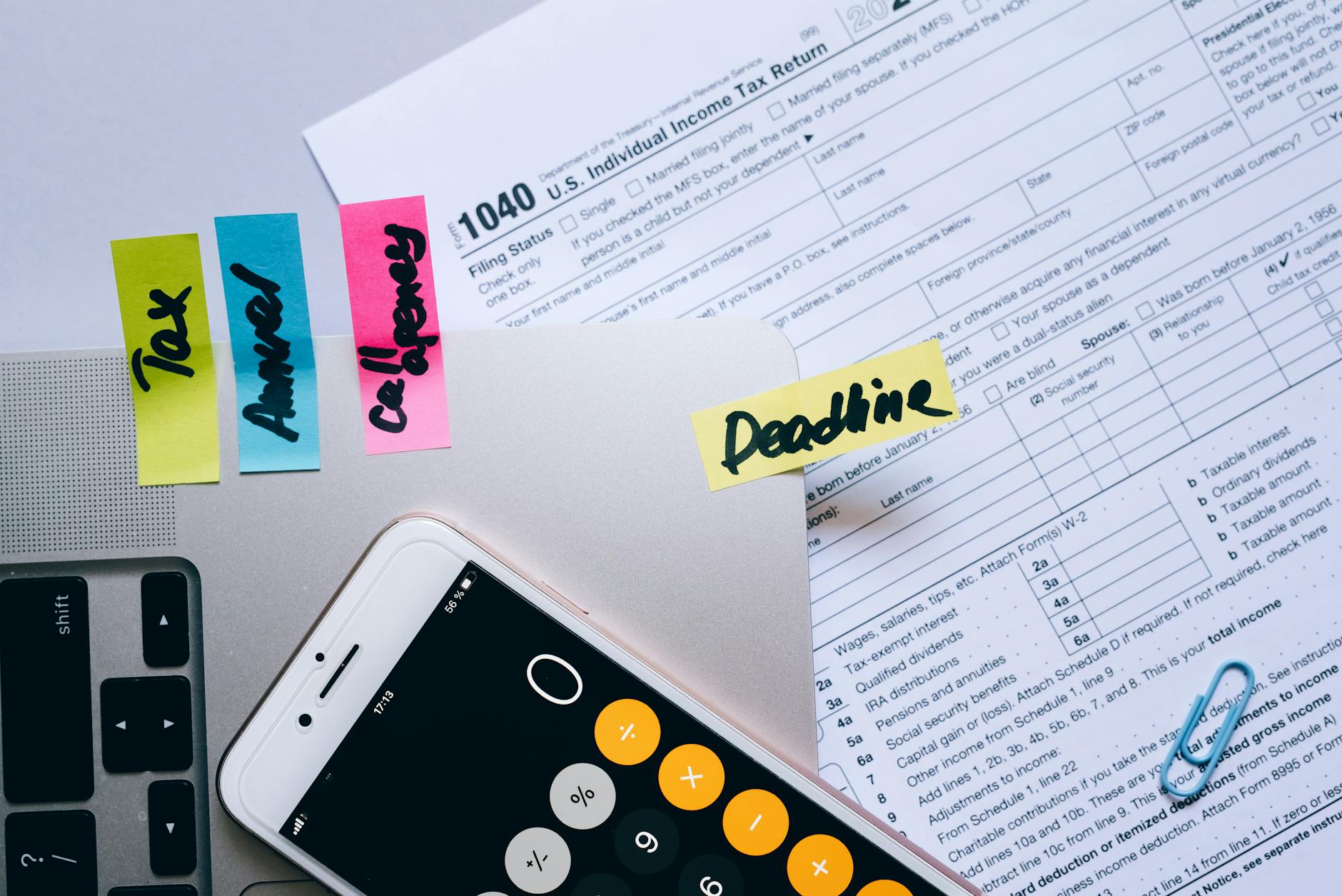
Any movement of goods worth more than Rs. 50,000 within India requires an E-Way Bill under GST e-invoicing in Zoho Books rules. Zoho Books accounting and compliance integrates with the E-Way Bill portal to generate them directly from your invoices, saving you from logging into the government portal for each shipment.
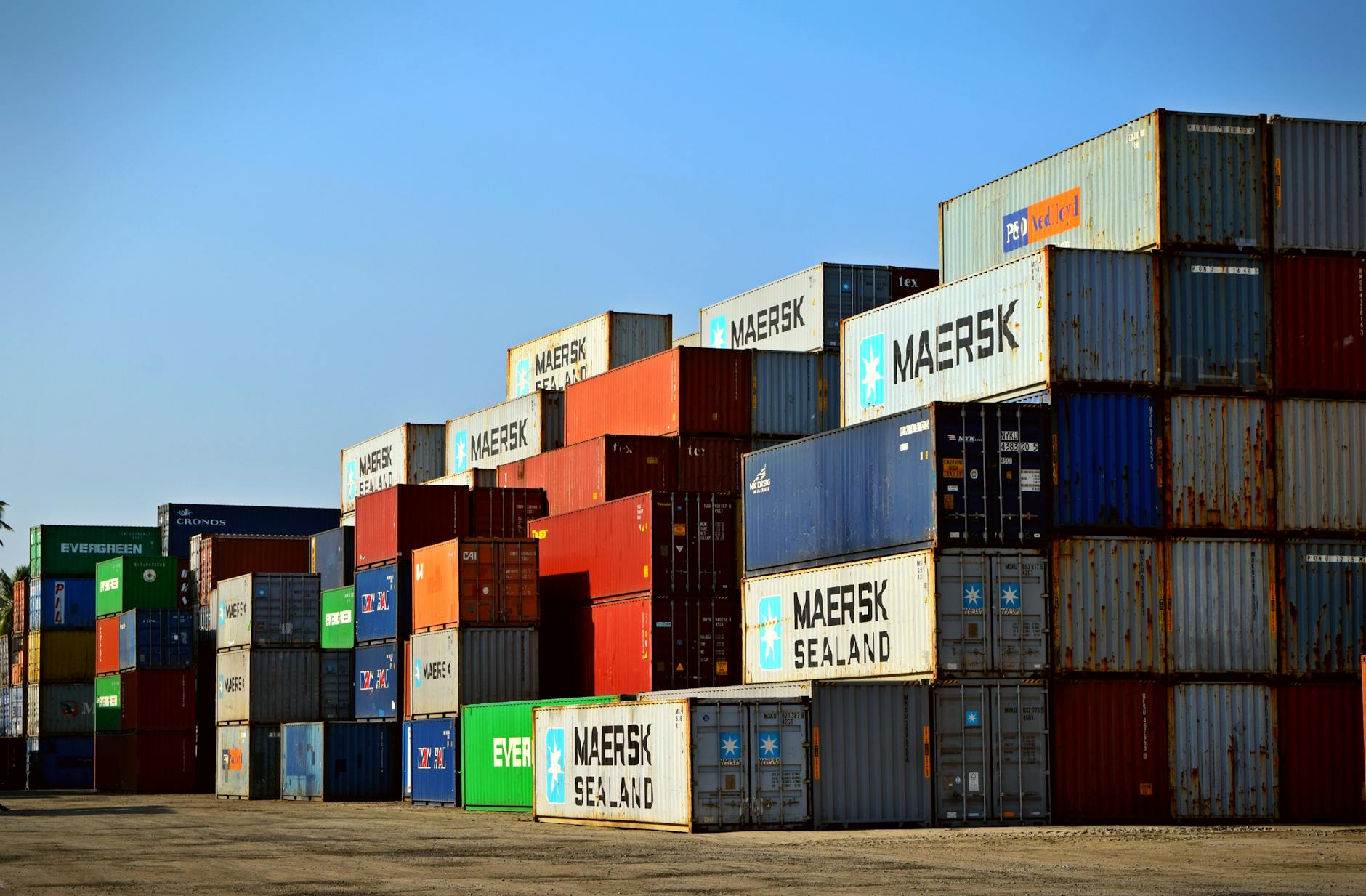
An E-Way Bill is an electronic document generated on the GST portal that must accompany goods during transport. It is required when the consignment value exceeds Rs. 50,000 for inter-state movement. Many states also require E-Way Bills for intra-state movement above state-specific thresholds.
For related guidance, see our TDS management in Zoho Books.
For related guidance, see our purchase order management.
The requirement is not limited to outward sales. An E-Way Bill applies to sales, purchases, stock transfers, and job work movements alike, so depending on who initiates the shipment, the supplier, the recipient, or the transporter may be the one responsible for generating it.
Go to Settings > Integrations > E-Way Bill. Enter your GSTIN and authenticate with the E-Way Bill portal. Once connected, Zoho Books generates E-Way Bills directly from invoice records.
Authentication uses the same username and password you already use to log in to the NIC e-way bill portal (ewaybillgst.gov.in). Zoho Books checks these credentials against the portal before the connection is activated, so keep your NIC login on hand when you set this up.
After creating a sales invoice for goods above Rs. 50,000, click Generate E-Way Bill. Zoho Books pre-fills supplier and buyer details. You add transport mode, vehicle number, transporter ID, and distance. The system returns the E-Way Bill number linked to the invoice.
Before the option appears, the invoice needs the customer’s GSTIN, delivery address, and HSN codes filled in correctly, and the invoice value has to cross the Rs. 50,000 threshold. Transport mode can be set to road, rail, air, or ship, and for road transport you also enter the vehicle number. Submitting the form calls the NIC API directly, and the E-Way Bill number usually comes back within seconds.
Once generated, the E-Way Bill number is attached to the invoice PDF, so the driver or transporter carries a single document covering both the sale and the shipment. The E-Way Bill can also be downloaded on its own from the transaction record if a separate copy is needed.
| Distance | Validity |
|---|---|
| Up to 200 km | 1 day |
| Every 200 km after | +1 day |
Extend the E-Way Bill before it expires if goods are delayed in transit.
Delays caused by an accident, force majeure, or similar genuine reasons are covered too. The consignor, consignee, or transporter can extend validity within a window of 8 hours before or after the expiry time, directly on the NIC portal.
Cancel within 24 hours if the shipment is abandoned. After 24 hours, let it expire. To update the vehicle number mid-route, use the Update Vehicle option in Zoho Books or the E-Way Bill portal.
To cancel from Zoho Books, open the invoice, click Cancel E-Way Bill, choose a reason such as duplicate entry, order cancelled, data entry error, or other, and confirm. Once the 24-hour window has passed, cancellation through the API is no longer possible. At that point the goods must either travel under the bill already issued, or a fresh E-Way Bill must be generated for the actual dispatch.
For consignments travelling on multiple vehicles, update Part-B each time the vehicle changes. This is mandatory for long-distance shipments across India.
Part A of the E-Way Bill covers the supplier, recipient, and invoice details, while Part B covers the transporter and vehicle details. If goods move from one vehicle to another mid-journey, for example from a truck to a smaller vehicle at a transit hub, the transporter updates Part B with the new vehicle number on the NIC portal before the onward journey continues.
Tell us what you are working through and a senior architect from our team will get back to you with a straight answer, usually within a couple of working days. No bot, no hard sell.
A senior architect will get back to you at , usually within a couple of working days. Worth checking your spam folder, just in case.
Set up Zoho Projects time tracking and get your team logging hours consistently. Covers billing,…
What Zoho Inventory implementation partners do, how to vet one, typical INR/USD project costs, and…

Connect order data, customer profiles, and campaign automation in one place. Zoho CRM for e-commerce…
Tell us what you are actually trying to do. You will get a straight answer from a senior architect who has done this before, not a sales rep.
A senior architect will get back to you at , usually within a couple of working days. Worth checking your spam folder, just in case.
Ask it now and a senior architect will get back to you, usually within a couple of working days. It goes to our team, not a mailing list.
A senior architect will get back to you at , usually within a couple of working days. Worth checking your spam folder, just in case.