
Blog
Zoho vs NetSuite: A Decision Tool to Find Your Platform Fit
Zoho vs NetSuite for Indian companies: use our decision tool and a fair, factor-by-factor guide…
14 min read
Read article →
Accounts payable automation workflow improvements remain one of the highest-return finance projects available to growing businesses. The reason is simple: manual AP is expensive in ways that rarely show up as a line item but accumulate into significant cost and risk over time. Invoice processing that costs between $15 and $40 per document when handled manually drops to $2 to $5 with automation, according to research from the Institute of Finance and Management. More important than unit cost is what manual AP does to your finance team’s time, audit exposure, and supplier relationships. This guide covers the full workflow from invoice capture through payment, including how modern ERP platforms handle each stage natively.
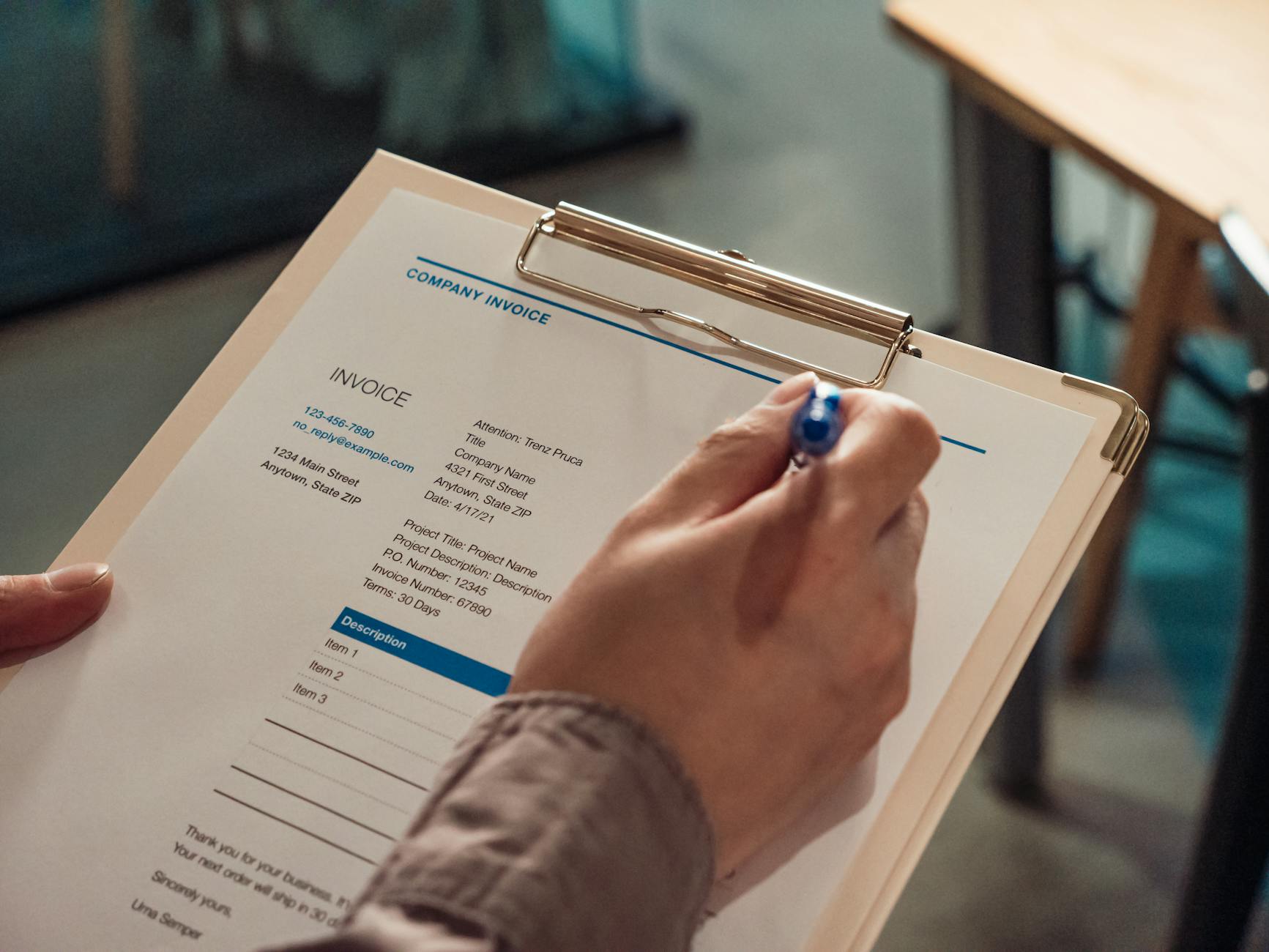
A manual AP process typically involves some combination of emailed invoices, printed paper, data entry into a spreadsheet or accounting system, email-based approval chains, and a payment run managed by a single person who holds all the context in their head. Each handoff is a failure point.
Manual data entry error rates in AP typically run between 1% and 3% of invoices processed. At low volumes that is manageable. At 500 invoices per month, that is 5 to 15 erroneous payments per month, each requiring investigation and correction. Duplicate payments are especially common: the same invoice received twice by different methods (email and post, or forwarded twice), processed twice, and only caught during a bank reconciliation weeks later. The Association of Certified Fraud Examiners estimates that billing fraud, which often exploits weak AP controls, accounts for 24% of all occupational fraud cases.
Industry benchmarks put average invoice cycle time (receipt to payment approval) at 10 to 14 days for manual teams, compared to 3 to 5 days for automated teams. Slow AP creates friction with suppliers, forfeits early payment discounts (typically 1-2% for payment within 10 days rather than 30), and can result in late payment penalties. For a business processing $2 million in monthly payables, capturing early payment discounts consistently adds up to $20,000 to $40,000 annually in direct savings.
Manual AP rarely produces a clean audit trail. Approvals in email threads, invoices stored in individual mailboxes, payment decisions made verbally. These are all gaps an auditor will flag. As businesses grow, the cost of reconstructing this history during an audit is substantial. Automated AP creates a timestamped, searchable record of every action taken on every invoice, which reduces audit preparation time significantly.
The first step in AP automation is getting invoice data into your system without manual keying. There are three primary methods.
OCR software reads scanned or PDF invoices and extracts structured data: supplier name, invoice number, date, line items, amounts, and tax. Modern OCR systems trained on large invoice datasets achieve extraction accuracy above 95% on standard invoice formats. They handle variations in layout, font, and language reasonably well. Most AP automation platforms include OCR as a built-in capability rather than a separate integration.
Many suppliers send invoices as PDF attachments to a designated AP inbox. Email parsing rules can automatically extract attached PDFs, route them to the OCR engine, and create draft invoice records without human intervention. You set up a dedicated AP email address (e.g., invoices@yourcompany.com), share it with suppliers, and the system handles the rest. This is often the fastest win because it requires no supplier behavior change.
For high-volume supplier relationships, a supplier self-service portal allows vendors to submit invoices directly in a structured format, eliminating OCR entirely. The supplier enters data once, it maps directly to your AP system, and the structured submission removes most extraction errors at the source. This approach requires supplier onboarding effort but pays off for any supplier sending more than 20 invoices per month.
Three-way matching is the core control in a well-run AP process. The principle is straightforward: before approving payment, verify that the invoice matches what was ordered (purchase order) and what was received (goods receipt note). If all three documents agree within defined tolerance thresholds, the invoice can proceed to payment approval automatically. If there is a discrepancy, it is flagged for manual review.
Exceptions, invoices that fail matching, should be routed to the relevant department rather than sitting in a general AP queue. A price discrepancy on a marketing invoice should go to the marketing manager who approved the PO, not to the AP team who cannot resolve it. Automated routing of exceptions with context (here is the PO, here is the invoice, here is the discrepancy) cuts resolution time dramatically compared to AP staff chasing approvers by email.
For services that do not generate a goods receipt (consulting, subscriptions, professional fees), two-way matching compares the PO and invoice only. In the absence of a PO, some organizations use a blanket authorization approach where recurring service invoices below a defined threshold are auto-approved after verifying supplier and amount against the budget code.

An approval workflow determines who must approve an invoice before it is paid, based on rules you define. Good workflow design balances control with efficiency: the goal is not maximum approvals but appropriate approvals.
Common routing rules include: invoice amount thresholds (invoices above $10,000 require VP approval), department-based routing (IT invoices go to the IT director), supplier type (new suppliers require an additional compliance check), and GL account code (expenses coded to capital expenditure require CFO sign-off). A well-designed routing matrix covers all combinations without creating bottlenecks.
Approval workflows stall when approvers are unavailable. Your system should support delegation rules: if approver X is absent, route to Y. These can be configured manually by the approver or set up as calendar-based rules. Without delegation, a single person’s vacation can hold up dozens of invoices and delay supplier payments.
Set time-based escalation: if an invoice is not actioned within 48 hours, send a reminder. If not actioned within 96 hours, escalate to the approver’s manager. This keeps the workflow moving without requiring AP staff to manually chase approvers. Most AP automation platforms support escalation rules out of the box.
Every action in the approval workflow should be timestamped and attributed to a named user. The audit trail should capture: who received the invoice, when it was reviewed, what matching results were produced, who approved it, any comments or exceptions noted, and when payment was initiated. This trail should be immutable and exportable for external audit purposes.
The payment run is where approved invoices become outgoing cash. Managing this well requires attention to three areas.
Processing payments individually is inefficient and increases transaction costs. Schedule payment runs on a defined cadence (typically weekly for most businesses, daily for high-volume operations) and batch all approved invoices due within the next payment window. Your ERP or AP platform generates a payment file, which your bank processes as a single batch transaction.
Review your payment terms across suppliers. Many businesses pay all invoices on net-30 terms regardless of supplier preference or available discounts. A supplier offering 1%/10 net 30 terms (1% discount for payment within 10 days) represents a 18.25% annualized return on that cash. For suppliers where you carry significant payables, this calculation is significant. Dynamic discounting platforms allow you to offer early payment to suppliers in exchange for negotiated discounts, funded by your own working capital or a third-party finance provider.
Match payment method to invoice type and supplier preference. ACH/direct debit transfers are lowest cost for domestic payments. Virtual cards work well for one-off or new suppliers and often carry rebates from card issuers. Wire transfers are appropriate for international suppliers. Checks should be minimized wherever possible due to processing cost and fraud exposure.
Modern ERP platforms have built-in AP automation capabilities that reduce the need for standalone AP tools in most SMB and mid-market scenarios.
NetSuite’s AP module supports full three-way matching natively. POs created in procurement link automatically to vendor bills (invoices). When a vendor bill is entered, NetSuite checks it against the PO and linked item receipt, flags discrepancies, and surfaces them for resolution. Approval workflows are configured using NetSuite’s SuiteFlow automation engine, which supports rule-based routing, escalation, and delegation. For invoice capture, NetSuite integrates with OCR tools like Bill.com or Stampli. Payment runs are managed via the Payment Processing module with support for ACH, check, and virtual card.
Zoho Books handles AP automation for SMB and mid-market organizations well. It supports vendor bill entry with PO matching, a configurable approval workflow for bills and payment requests, and automated payment reminders. Zoho Books integrates with Zoho Expense for employee reimbursements and with Zoho Flow for custom automation rules. For businesses already using Zoho’s broader ecosystem (CRM, Inventory, Analytics), the native integration between modules eliminates duplicate data entry across procurement, inventory, and finance.
Both platforms log a complete audit trail and support role-based permissions that restrict payment initiation and approval to authorized users, a critical internal control requirement.
Before implementing AP automation, baseline your current performance. After implementation, measure against that baseline. The following metrics capture the full picture.
| Metric | How to Measure | Expected Improvement |
|---|---|---|
| Cost per invoice processed | Total AP staff cost + overhead / total invoices per month | 60–80% reduction |
| Invoice cycle time | Average days from invoice receipt to payment approval | From 10-14 days to 3-5 days |
| Exception rate | % of invoices requiring manual intervention | Target below 10% |
| Early payment discount capture | % of available discounts actually taken | From under 20% to 60-80%+ |
| Duplicate payment rate | Duplicate payments as % of total payments | Target near zero |
| Supplier query volume | Number of payment status queries from suppliers per month | 50%+ reduction |
| AP staff time on exceptions | Hours per week on manual exceptions and corrections | 70%+ reduction |
Track these monthly for the first six months post-implementation. Most teams see the largest gains in cycle time and exception rate within the first 60 days as the matching rules and routing logic become calibrated to their supplier base and invoice patterns.
For Indian businesses implementing AP automation within Zoho, the Zoho Books complete setup guide covers purchase order workflows, vendor portals, and TDS on payments. For larger organisations running NetSuite, the NetSuite procurement and purchase-to-pay guide covers three-way matching, requisition approvals, and RCM on vendor bills.
What is accounts payable automation?
Accounts payable automation is the use of software to handle invoice capture, data extraction, matching, approval routing, and payment execution with minimal manual intervention. It replaces paper-based and email-based AP processes with a structured digital workflow that improves speed, accuracy, and auditability.
How long does it take to implement AP automation?
For a small to mid-size business using an ERP like NetSuite or Zoho Books, a basic AP automation setup (invoice capture, approval routing, payment runs) typically takes 4 to 12 weeks depending on the complexity of your supplier base, approval hierarchy, and existing system integrations.
What is three-way matching in accounts payable?
Three-way matching is the process of verifying that a supplier invoice matches the corresponding purchase order and goods receipt note before approving payment. It is the primary control mechanism against overpayment, duplicate payment, and fraudulent invoices.
What cost savings can we expect from AP automation?
Industry benchmarks suggest that automated AP processing costs between $2 and $5 per invoice, compared to $15 to $40 for manual processing. Teams that automate also typically reduce invoice cycle times from 10-14 days to 3-5 days and achieve early payment discount capture rates of 60-80% versus under 20% for manual teams.
Does AP automation work for businesses with a small number of monthly invoices?
Yes, though the ROI calculation changes. At low invoice volumes (under 100 per month), the main benefit is error reduction, audit readiness, and freeing AP staff for higher-value work rather than raw cost-per-invoice savings. Many cloud AP tools have pricing tiers suitable for smaller invoice volumes.
AP automation is one of the few finance projects where the efficiency gains are measurable within weeks, the controls improve immediately, and the payback period is short. The businesses that delay it longest are usually the ones that underestimate what manual AP is actually costing them each month.
Tell us what you are working through and a senior architect from our team will get back to you with a straight answer, usually within a couple of working days. No bot, no hard sell.
A senior architect will get back to you at , usually within a couple of working days. Worth checking your spam folder, just in case.
Zoho vs NetSuite for Indian companies: use our decision tool and a fair, factor-by-factor guide…
Zoho One pricing explained: $37 vs $45 per user, what 45+ apps includes, the break-even…

Get faster Zoho support with sharper tickets, the right plan, and the best channel. A…
Tell us what you are actually trying to do. You will get a straight answer from a senior architect who has done this before, not a sales rep.
A senior architect will get back to you at , usually within a couple of working days. Worth checking your spam folder, just in case.
Ask it now and a senior architect will get back to you, usually within a couple of working days. It goes to our team, not a mailing list.
A senior architect will get back to you at , usually within a couple of working days. Worth checking your spam folder, just in case.