

Blog
How to Reduce Customer Churn Using CRM Automation
On this page Customer churn is expensive in a way that most businesses consistently undercount.…
14 min read
Read article →
Missed follow-ups, stalled deals, and no view of where revenue is stuck — these are symptoms of a sales process that lives in spreadsheets or email threads. A properly built Zoho CRM sales pipeline features sales pipeline gives your team a single place to manage every deal, from first contact to signed order.
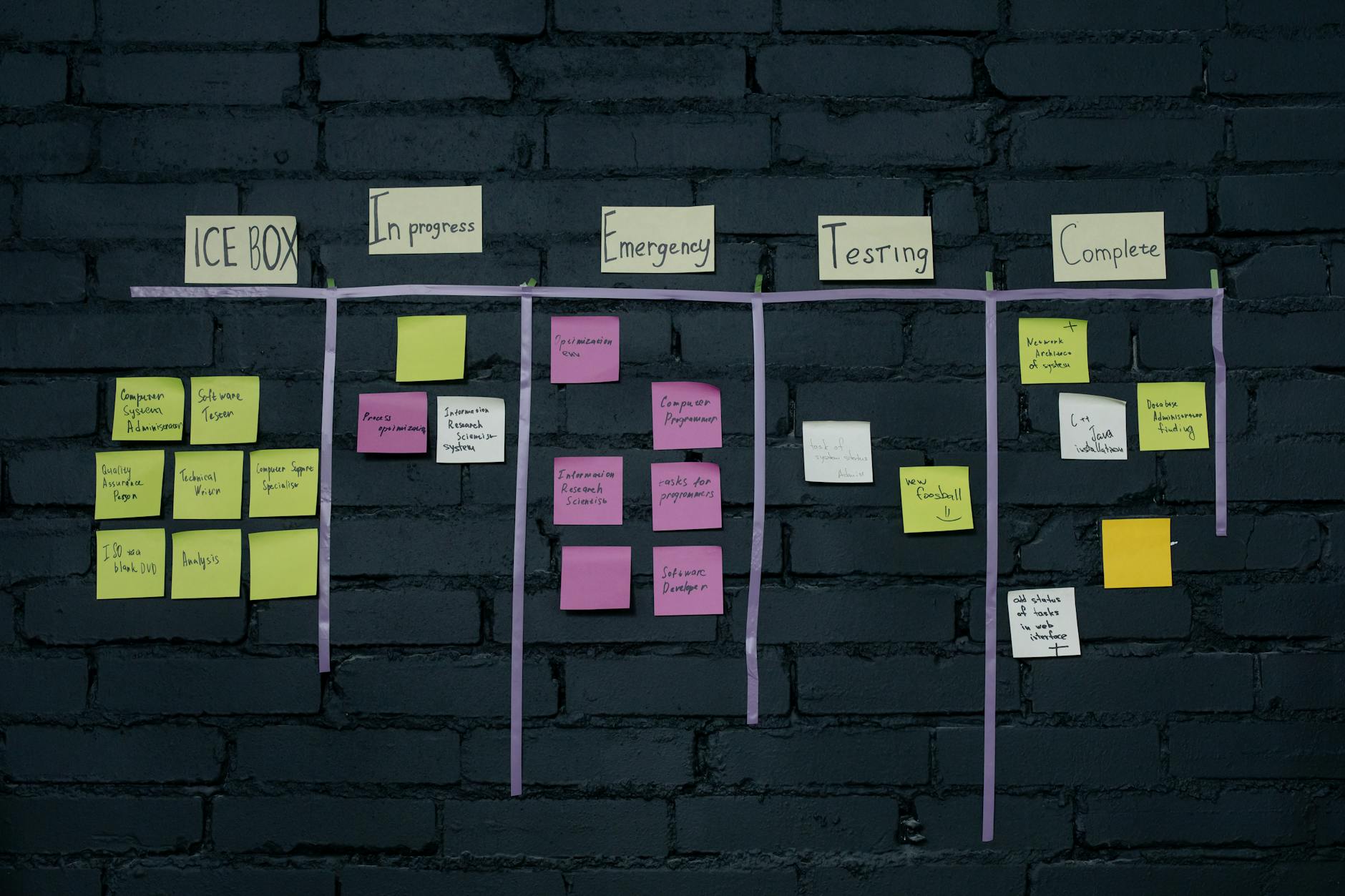
A pipeline in Zoho CRM is a set of deal stages that mirrors your actual sales process. Each deal card sits in one stage at a time. As the deal progresses, your rep moves it forward. The system tracks time in each stage, calculates probability-weighted revenue, and flags deals that have gone cold.
Unlike a flat list of leads, a pipeline view shows you in seconds which deals need attention and which are on track. For Indian sales teams managing 50 to 500 active deals at a time, this is the difference between a managed pipeline and a guessing game.
Map your real sales process on paper first. A typical Indian B2B sales cycle runs through these stages:
Keep it to 5 to 7 active stages. More stages than that usually means you have sub-steps that belong in a task checklist, not the pipeline itself.
Go to Settings > Deals > Pipelines. Create a new pipeline, give it a name (e.g., “SMB Sales”), and add your stages in order. For each stage, set a probability percentage that reflects your actual close rate at that point.
A typical probability mapping:
| Stage | Probability |
|---|---|
| New Lead | 10% |
| Qualified | 25% |
| Demo Done | 45% |
| Proposal Sent | 60% |
| Negotiation | 80% |
| Closed Won | 100% |
You can create a second pipeline for a different product line or team — for example, one for SMB deals under Rs. 5 lakh and another for enterprise deals with a longer approval process.

A pipeline forecast is meaningless without two fields: Amount (in INR) and Expected Close Date. Make these mandatory in the Deals module layout. No deal should advance past Qualified without both fields filled.
Zoho CRM’s Kanban view then automatically shows total deal value per stage and weighted forecast for the month — without anyone running a report manually.
Use Settings > Automation > Workflow Rules to trigger actions when deals change stage:
Build a Pipeline by Stage report in Zoho Analytics dashboards showing deal count and value per stage, compared to the previous week. Add an Average Days in Stage report to see where deals slow down before closing.
Review these every Monday. Any deal stuck in Proposal Sent for more than 10 days without a logged activity needs direct manager attention — not a reminder email to the rep.
On this page Customer churn is expensive in a way that most businesses consistently undercount.…

On this page Ask any Indian SME founder how they manage their sales pipeline management…

NetSuite ERP guide for Indian mid-market businesses: modules, pricing in INR, India localisation, GST compliance,…
Our team builds systems that actually work. No fluff, just honest architecture and clean implementation.