
Blog
Zoho Implementation Partner for Retail and E-Commerce
On this page Why Retail and E-Commerce Businesses Need a Zoho Implementation Partner Running a…
11 min read
Read article →
TDS (Tax Deducted at Source) compliance is non-negotiable for Indian businesses. Late deductions, wrong TDS rates, or missed filings attract penalties from the Income Tax Department. Zoho Books accounting features handles TDS calculations, deduction tracking, and return preparation inside your regular accounting workflow.
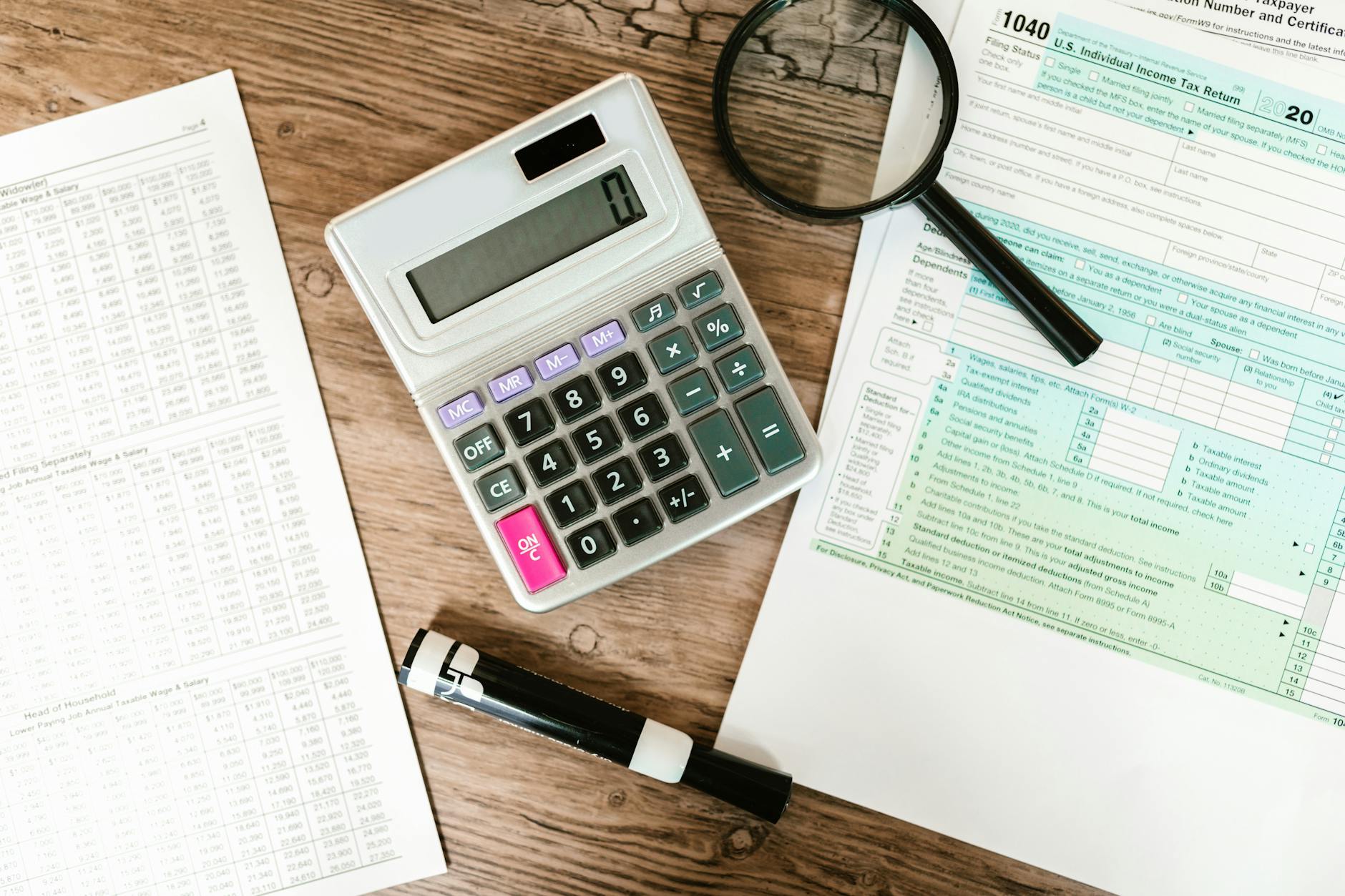
When you record a vendor bill in Zoho Books with TDS enabled, the system automatically calculates the TDS amount based on the section code and rate you select. The TDS is deducted from the vendor payment and tracked as a liability in your books until you remit it to the government.
Zoho Books supports all major TDS sections: 194C (contractor payments), 194J (professional fees), 194H (commission), 194I (rent), 194A (interest), and others. You can also add custom TDS rates for specific scenarios.
Go to Settings > Taxes > TDS and enable TDS. Select whether your organisation deducts TDS on purchases, sales, or both. For most Indian businesses, TDS is deducted on vendor payments. Add your TAN (Tax Deduction Account Number) in the organisation settings.
If the vendor has provided their PAN, the standard rate applies. Without PAN, TDS is deducted at the higher rate (20%) as per Income Tax rules. Set the PAN status on each vendor’s profile to automate this.
When creating a vendor bill, select the TDS tax group applicable to the payment. For a consultant billing Rs. 50,000 for professional services ERP, select 194J at 10%. Zoho Books calculates TDS of Rs. 5,000, records the net payable as Rs. 45,000, and creates a TDS liability entry for Rs. 5,000.

TDS must be deposited with the government by the 7th of the following month. Zoho Books shows your pending TDS liability on the TDS dashboard. When you make the payment, record it with the challan number and BSR code for reconciliation.
At the end of each quarter, file TDS returns. Zoho Books generates the data needed for Form 26Q (non-salary TDS) and Form 24Q (salary TDS). Export the data and upload it to the TRACES portal. While Zoho Books does not file directly, it provides all transaction-level detail needed.
After filing quarterly returns, download Form 16A certificates from TRACES and share them with your vendors. Vendors need these certificates to claim TDS credit in their own income tax returns. Zoho Books tracks which vendors have received certificates.
On this page Why Retail and E-Commerce Businesses Need a Zoho Implementation Partner Running a…

Generate GST E-Way Bills from Zoho Books invoices. Covers setup, transport details, validity rules, cancellation,…
Learn how to connect Zoho Analytics to Tableau using API connectors, OAuth tokens, and data…
Our team builds systems that actually work. No fluff, just honest architecture and clean implementation.